EasyManua.ls Logo

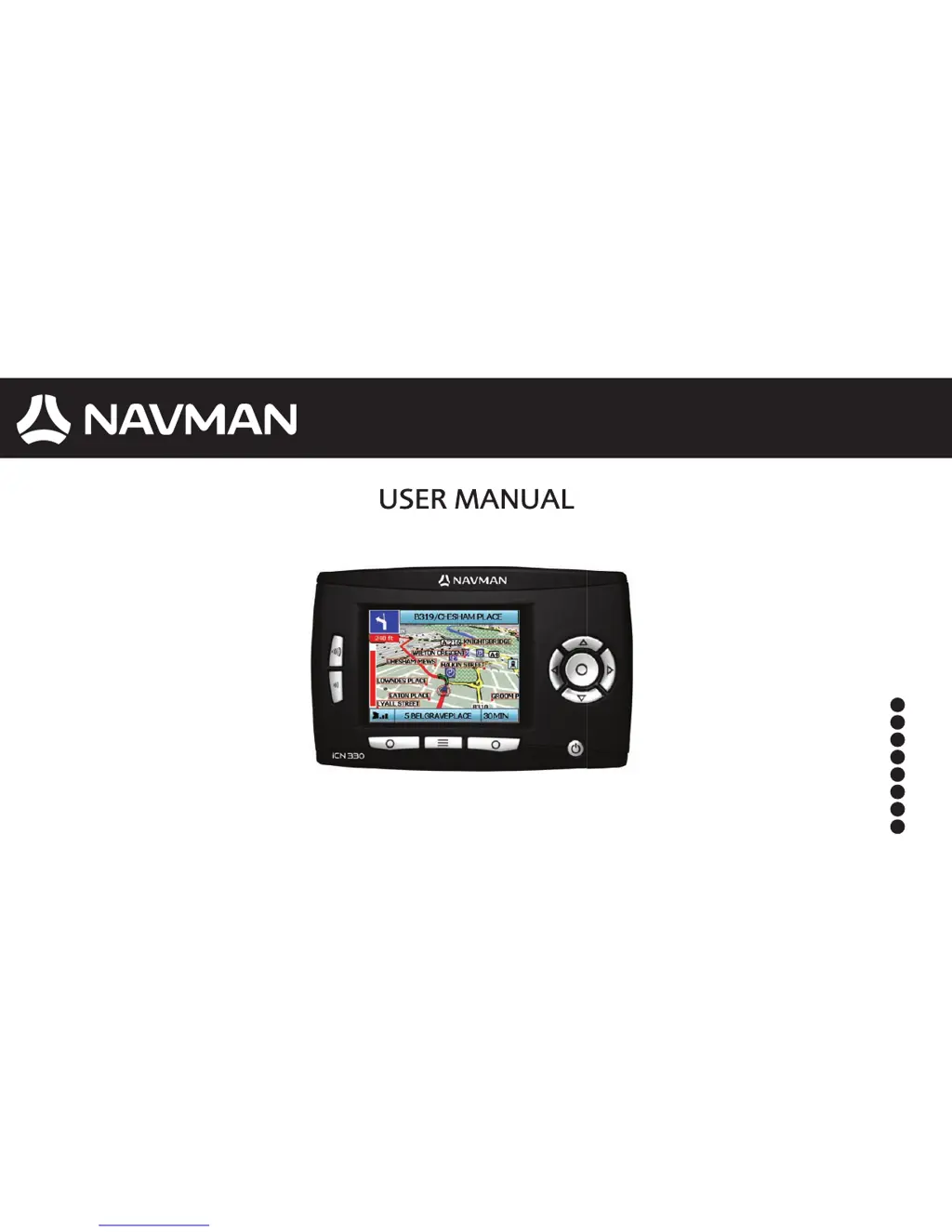
Navman ICN 330 - User Manual

Navman ICN 330
100 pages
Print Icon
To Next Page IconTo Next Page
Loading...









iCN 330
en
da
de
es
fr
it
nl
sv

Table of Contents

Questions and Answers

  • T
    Tina BanksAug 11, 2025
    Why is my Navman ICN 330 not receiving GPS signals?
    • H
      heidi91Aug 11, 2025
      Your Navman GPS (iCN) might not be receiving GPS signals because the GPS antenna is unable to receive a signal. Make sure that your GPS Antenna is in the horizontal position. If your car has a heated or heat-reflecting windscreen, you may need an external antenna.
  • M
    Melanie JimenezAug 17, 2025
    How to fix Navman GPS screen that is hard to read?
    • B
      bthomasAug 17, 2025
      If the screen on your Navman GPS (iCN) is hard to read, it might not be bright enough. Try changing the brightness setting on the Display screen.
  • C
    Carol JordanAug 23, 2025
    What to do if I can’t turn on my Navman ICN 330 GPS using battery?
    • N
      ndunnAug 23, 2025
      If your Navman iCN won’t turn on while using battery power, it could be due to a low battery. Connect your iCN to a power source and then try to turn it on. Also, check that the Battery Switch is in the On position; if not, switch it to On.
  • G
    Gregory SimpsonAug 28, 2025
    Why doesn’t my Navman ICN 330 GPS recognise the memory card?
    • K
      Karen HodgesAug 28, 2025
      If your Navman iCN doesn’t recognise the memory card, it might be because the incorrect memory card is inserted. Ensure you insert the memory card that came with your iCN. Your iCN will only operate with a Navman iCN 300 series Memory Card installed.
  • S
    schultzjillSep 3, 2025
    How to find a street on Navman ICN 330 if I can’t find it?
    • V
      Vincent Swanson PhDSep 3, 2025
      If you can’t find the street you’re looking for on your Navman GPS (iCN), it may be due to the use of abbreviations. Follow the Address Search Rules when entering addresses. Only enter the first few characters of the street you are seeking, and then use the Select Street screen to find it.

Navman ICN 330 Specifications

General IconGeneral
Display Resolution320 x 240 pixels
GPS TypeSiRFstar III
Memory64 MB RAM
Battery LifeUp to 3 hours
Voice GuidanceYes
BluetoothNo
SD Card SlotYes
Card ReaderNo
DisplayTFT LCD
ProcessorSamsung 2440
BatteryLithium-ion
Operating SystemWindows CE
MapsPre-loaded

Related product manuals