EasyManua.ls Logo

Naxa NAS-3048 - User Manual

Naxa NAS-3048
14 pages
Print Icon
To Next Page IconTo Next Page
Loading...
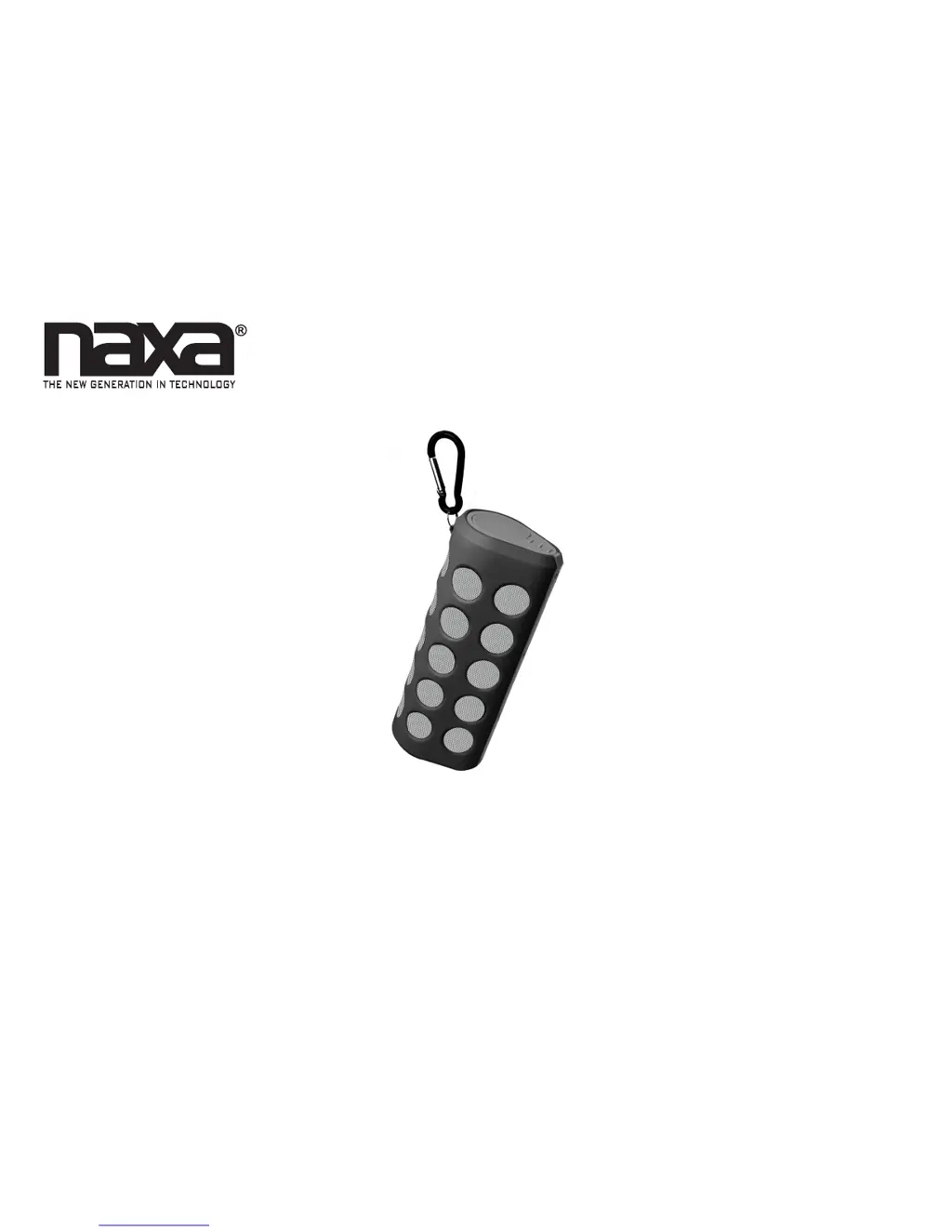
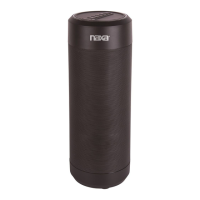
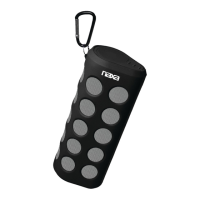
Wireless Sports Stereo Speaker with Bluetooth
®
NAS-3048
Instruction Manual
Please read carefully before use and keep for future reference.

Questions and Answers

  • R
    richard66Aug 11, 2025
    Why won't my Naxa Speakers connect to my device?
    • C
      Christopher RamirezAug 11, 2025
      If your Naxa Speakers won't connect to your device, here are a couple of things to check: * The speaker might not be in pairing mode. Try resetting it by turning it off and then on again. Look for the status indicator to flash blue quickly. * Bluetooth might be turned off on your device. Double-check that Bluetooth is enabled and turn it on if it's off.
  • P
    Patrick Ramirez MDAug 21, 2025
    What to do if my Naxa NAS-3048 Speakers are connected but there is no sound?
    • J
      Joseph Johnson PhDAug 21, 2025
      If your Naxa Speakers are connected but you're not hearing any sound, there are a few potential reasons: * An AUX cable might be plugged into the speaker. If so, disconnect any cables from the AUX input connector. * Your device might be too far from the speaker. Try moving closer, as environmental conditions can affect the range. * The device you're using might not be playing anything. Ensure your device is in playback mode and start the audio.
  • J
    James EdwardsAug 29, 2025
    How to fix Naxa Speakers when there is no power?
    • H
      harold49Aug 29, 2025
      If your Naxa Speakers have no power, it could be due to these reasons: * The battery might be completely drained. Connect the unit to a USB power source to charge it. * The speaker might not be turned on. Make sure the ON/OFF switch on the back of the speaker is in the “ON” position.

Summary

At a Glance

Connecting Power

Pairing a Device with Bluetooth

Using the Speaker via Bluetooth

Warnings and Precautions

Electrical Safety Warnings

Caution against opening unit, blocking vents, and exposing to moisture for shock prevention.

General Safety Guidelines

Follow instructions, retain manual, heed warnings, use correct attachments, and avoid water.

Product Placement and Usage

Do not place on unstable surfaces, near heat sources, or block ventilation.

Safety Guidelines and Electrical Precautions

Ventilation and Product Placement

Ensure proper airflow and avoid placing on soft surfaces or in built-in installations.

Power Source and Cord Safety

Use specified power sources, protect cords, and ensure correct plug polarization.

Lightning and Outdoor Safety

Disconnect during storms and avoid proximity to power lines for protection.

Product Safety and Maintenance

Usage and Servicing Cautions

Avoid overloading, liquid entry, unauthorized servicing, and use specified parts.

Damage and Heat Precautions

Refer servicing for damage, avoid heat sources, and ensure proper wall mounting.

Troubleshooting Guide

Power Issues

Solutions for no power, typically related to battery exhaustion or power switch.

Connectivity Problems

Steps to resolve Bluetooth connection failures and pairing issues.

Naxa NAS-3048 Specifications

General IconGeneral
BrandNaxa
ModelNAS-3048
CategorySpeakers
LanguageEnglish

Related product manuals