EasyManua.ls Logo

Naxa NAS-3102 - User Manual

Naxa NAS-3102
14 pages
Print Icon
To Next Page IconTo Next Page
Loading...
NAS-3102
Instruction Manual
Please read carefully before use and keep for future reference.
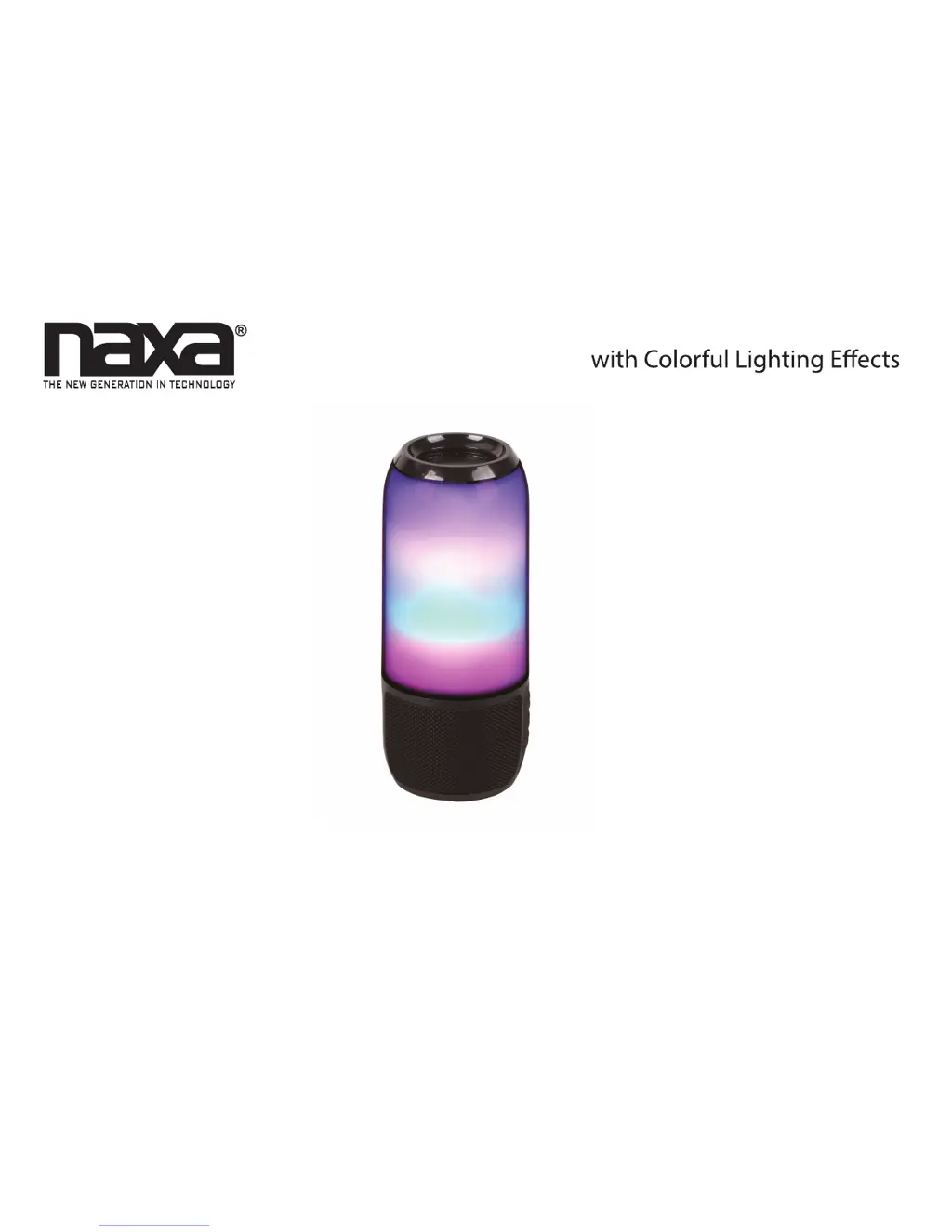
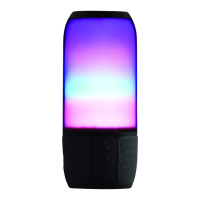
Portable Bluetooth® Speaker

Questions and Answers

  • G
    Gregory HowellAug 9, 2025
    What to do if my Naxa NAS-3102 Speakers are connected but there is no sound?
    • T
      Trevor PierceAug 9, 2025
      If your Naxa Speakers are connected but you're not hearing any sound, here's what to check: * Ensure that the AUX input isn't active by disconnecting any cables from the AUX connector of the speaker. * Make sure your device is within the speaker's range; try moving closer. * Verify that your device is playing audio. Start playback on your device.
  • J
    joseph52Aug 23, 2025
    Why won't my Naxa NAS-3102 Speakers turn on?
    • S
      Steven ScottAug 25, 2025
      If your Naxa Speakers have no power, it could be due to these reasons: * The battery might be empty. Connect the unit to a USB power source to charge it. * The speaker might be off. Press the power button to turn the speaker on.

Naxa NAS-3102 Specifications

General IconGeneral
BrandNaxa
ModelNAS-3102
CategorySpeakers
LanguageEnglish

Related product manuals