EasyManua.ls Logo

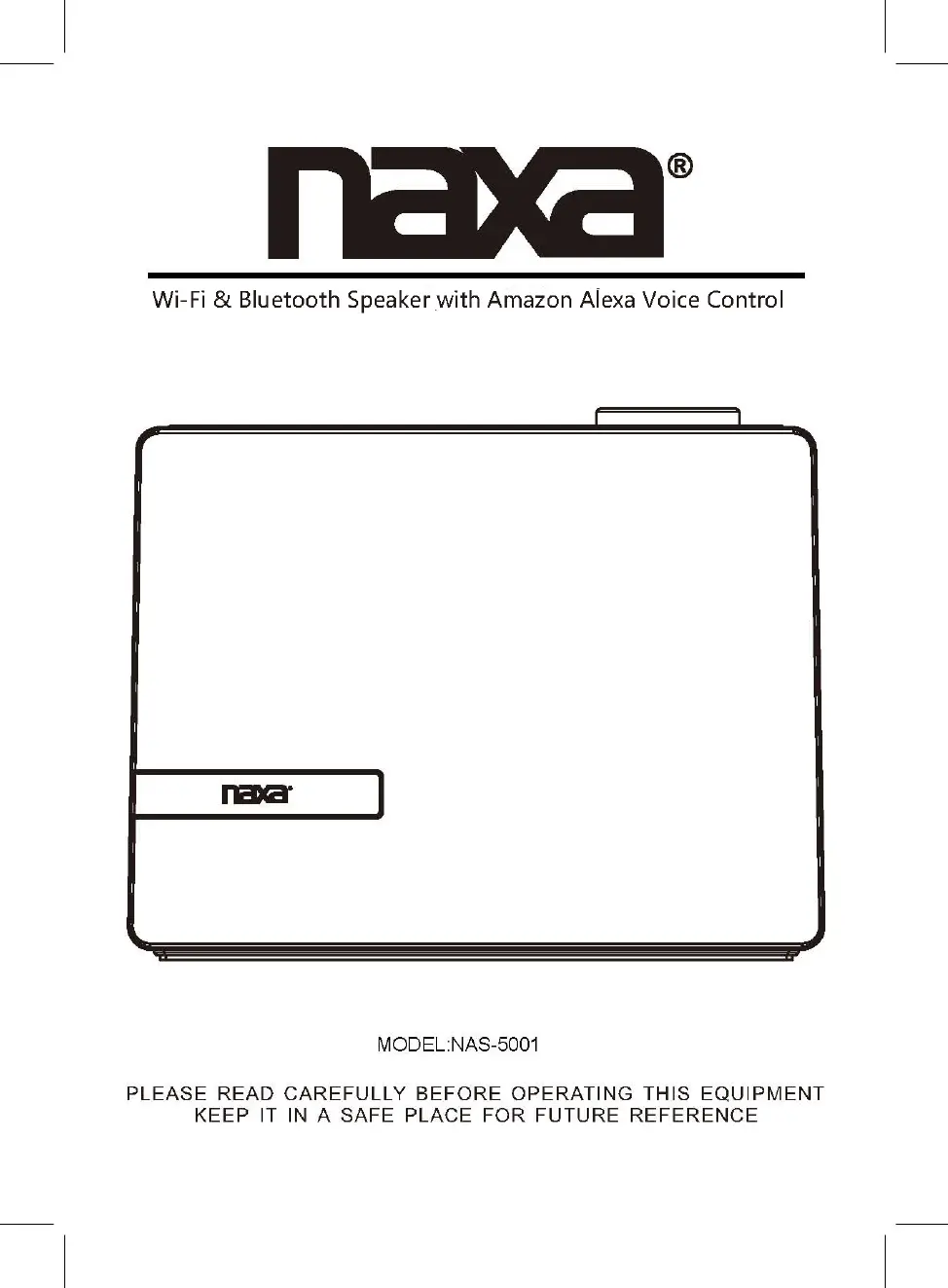
Naxa NAS-5001 - User Manual

Naxa NAS-5001
14 pages
Print Icon
To Next Page IconTo Next Page
Loading...

Questions and Answers

  • J
    jenkinsbenjaminAug 11, 2025
    Why is the Bluetooth not functioning on my Naxa bluetooth speaker?
    • C
      Clarence NguyenAug 11, 2025
      If the Bluetooth on your Naxa bluetooth speaker isn't working, there could be a couple of reasons. First, make sure that you have paired the external Bluetooth device to the unit. Also, the external Bluetooth device might be too far from the unit. Try placing the external Bluetooth device closer to the unit.
  • I
    ibennettAug 18, 2025
    What to do if there is no sound from my Naxa bluetooth speaker?
    • N
      Nicole JenningsAug 18, 2025
      If you're experiencing no sound or weak sound from your Naxa bluetooth speaker, the volume level of the paired device might be too low. Try increasing the volume on your connected device.
  • A
    Aaron DayAug 26, 2025
    How to fix sound distortion on Naxa bluetooth speaker?
    • M
      Matthew HobbsAug 26, 2025
      Sound distortion from your Naxa bluetooth speaker is often due to the volume level of the connected device being too high. Try reducing the volume on the connected device.
  • W
    wadamsSep 2, 2025
    What to do if my Naxa bluetooth speaker can't power on?
    • E
      Elizabeth RichardsonSep 2, 2025
      If your Naxa bluetooth speaker won’t power on, the built-in battery may be drained. You should recharge the battery.

Naxa NAS-5001 Specifications

General IconGeneral
BrandNaxa
ModelNAS-5001
TypePortable Bluetooth Speaker
Power Output5W
ConnectivityBluetooth, AUX
Frequency Response100Hz - 20kHz
Input Voltage5V
BatteryRechargeable
Power SourceRechargeable Lithium-ion Battery

Related product manuals