Page 10
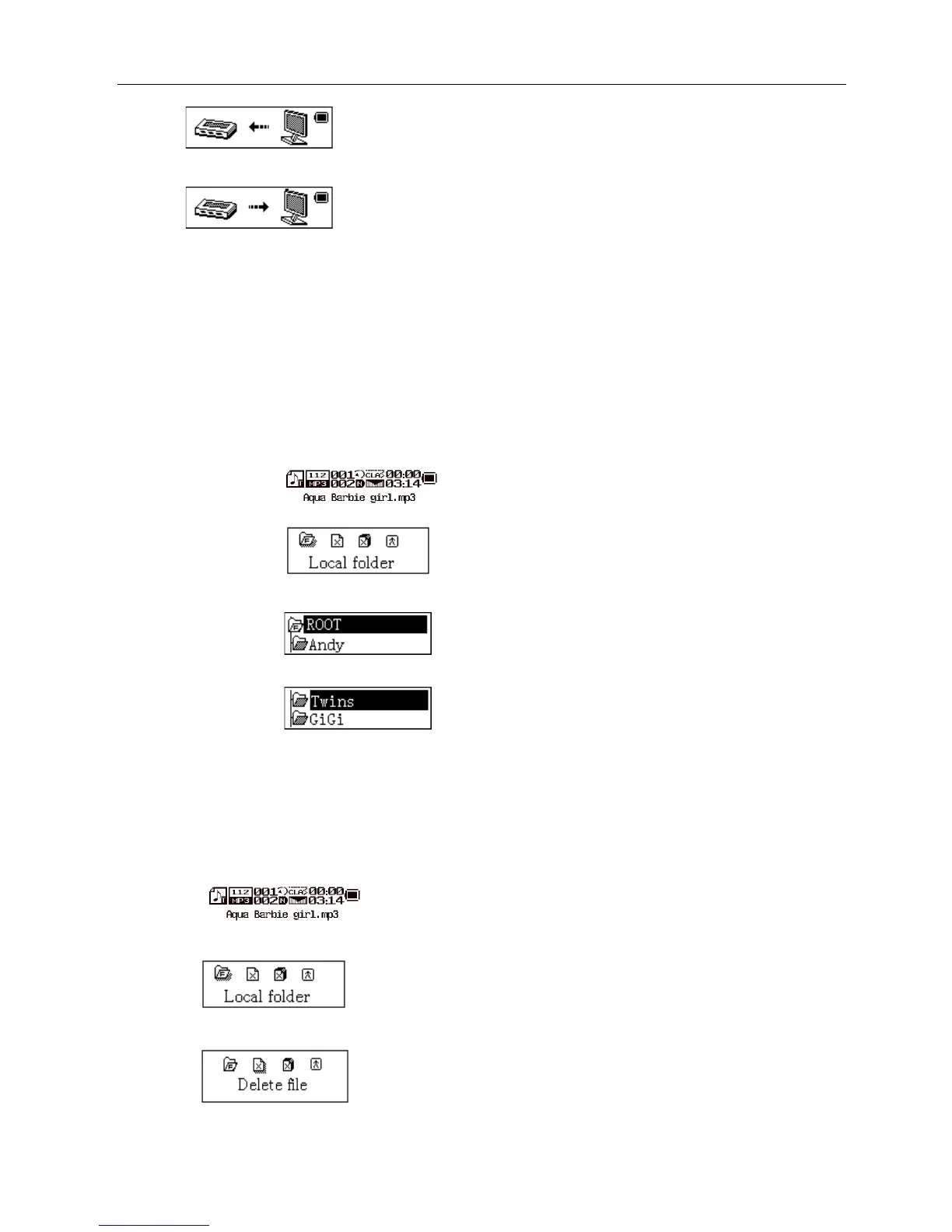
Downloading state
Uploading Mode
Select Folders
Select Folders (At Stop Submenu)
Users can save files in different folders (folders should be set up on PC in advance), to manage and play files
according to different types. The player supports identification of 99 subdirectories.
At Stop interface. (Current example is at Music Mode, and folders can be selected at both Record and Voice Mode as
well.)
Press Mode to enter Stop Submenu.
Press Mode again to enter Select Folder interface.
Press Next or Last to select folders.
Press Mode to confirm the folders selected
Note: Independent folders can be set at corresponding modes as Music Mode, Record Mode and Voice Mode, i.e.,
three modes is not bound to correspond with the same folder.
Delete File (At Stop Submenu)
Files can be deleted at corresponding modes as Music Mode, Voice Mode。
At Stop Interface.
Press Mode to enter Stop Submenu.
Press Next/Last to select “Delete” or “Delete All”.
Press Mode to enter Delete Interface.



 To Next Page