Page 7
Press Play to start playing.
Select recorded files:
Push Mode: to select the previous recorded file
Push Next Mode: to select the next recorded file
Control Volume:
VOL+: to increase volume
VOL-: to decrease volume
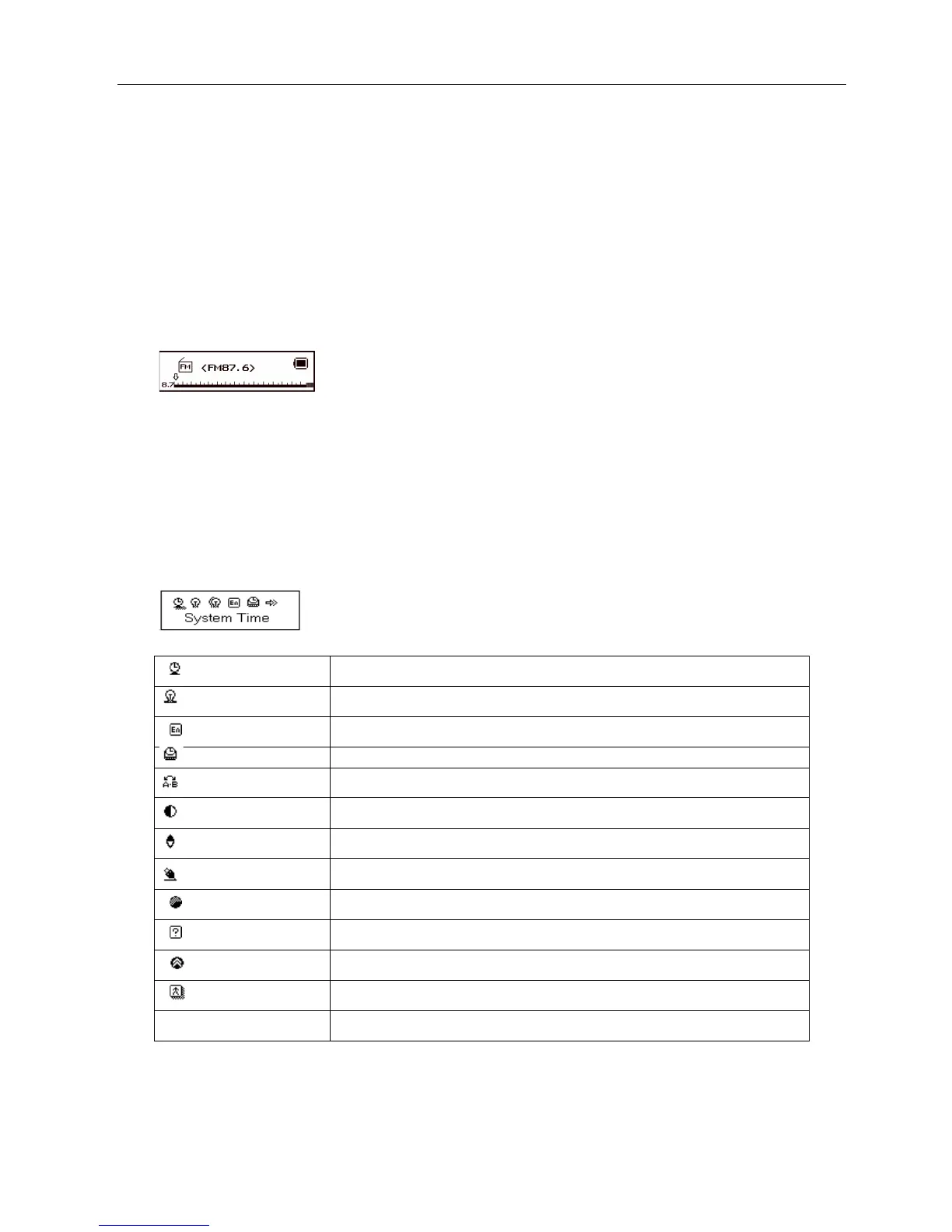
Using FM radio
1. Entry main menu;
2. Push Next scrolling “FM Mode”
3. Push Mode to entry
System Setting
System parameters can be set here and every option varies according to firmware upgrading
Enter main menu ,push Next button to select System setting icon, and then press Mode button to enter System
Setting submenu interface is as follows:
Parameters Introduction
Set the time and date when recorded files are saved
set the period of time (sec.) when Backlight stays on without any operation
set different languages displayed
set a fixed time after which the player may turn power off automatically
set working status on Replay Mode
set contrast level of LCD window
Set different back color.
an option specially designed for “Private Space” function
show memory capacity and percentage that has been used
special for firmware upgrading
exit from current interface
Instruction
○ “System Time”
System Setting Interface



 To Next Page