Page 8
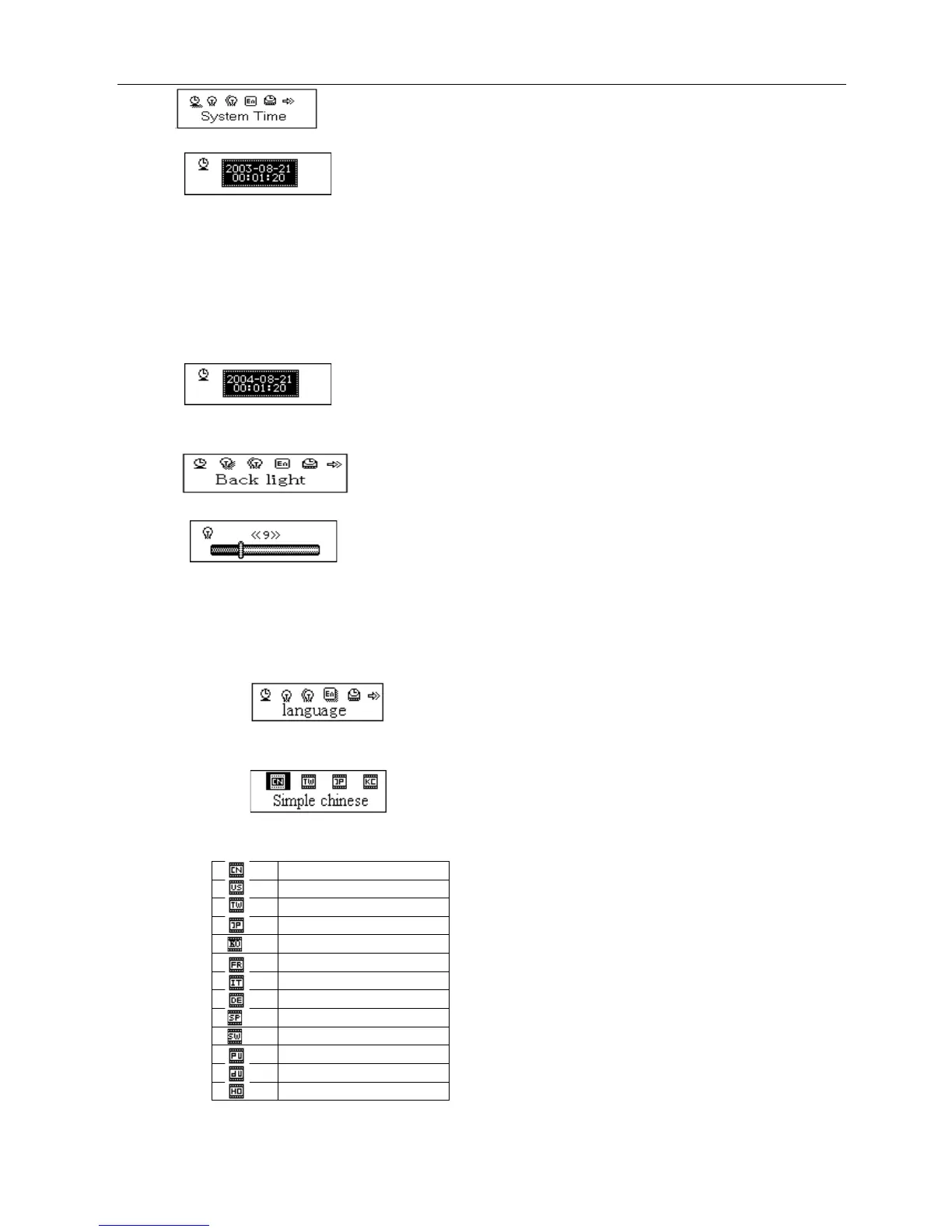
Press Mode to enter Record Time Interface
Press VOL+ to set time in sequence of “YY-MM-DD” (Press VOL- to set in opposite sequence)
Icon of year flickering:
Push Next / Last button to adjust numbers
Number of Year increasing:
Press Mode to confirm and exit the current interface.
○ “Back light” setting
At System Setting interface, push Next key to select “Back light” icon
Press Mode button to enter “Back light” setting interface:
Push Next/Last button to adjust time
Press Mode to confirm to exit.
○ Language
At System setting interface, push Next/Last button to select “Language” icon:
Press Mode button to enter “Language” setting interfance:
Push Next/Last button to select desired language.
The icon correspond language



 To Next Page