EasyManua.ls Logo

Naxa NM-105 - Keys Operation; Music and Voice Mode Operations; Record Mode Operations; Play Music

Naxa NM-105
14 pages
Print Icon
To Next Page IconTo Next Page
To Previous Page IconTo Previous Page
Loading...
Page 4
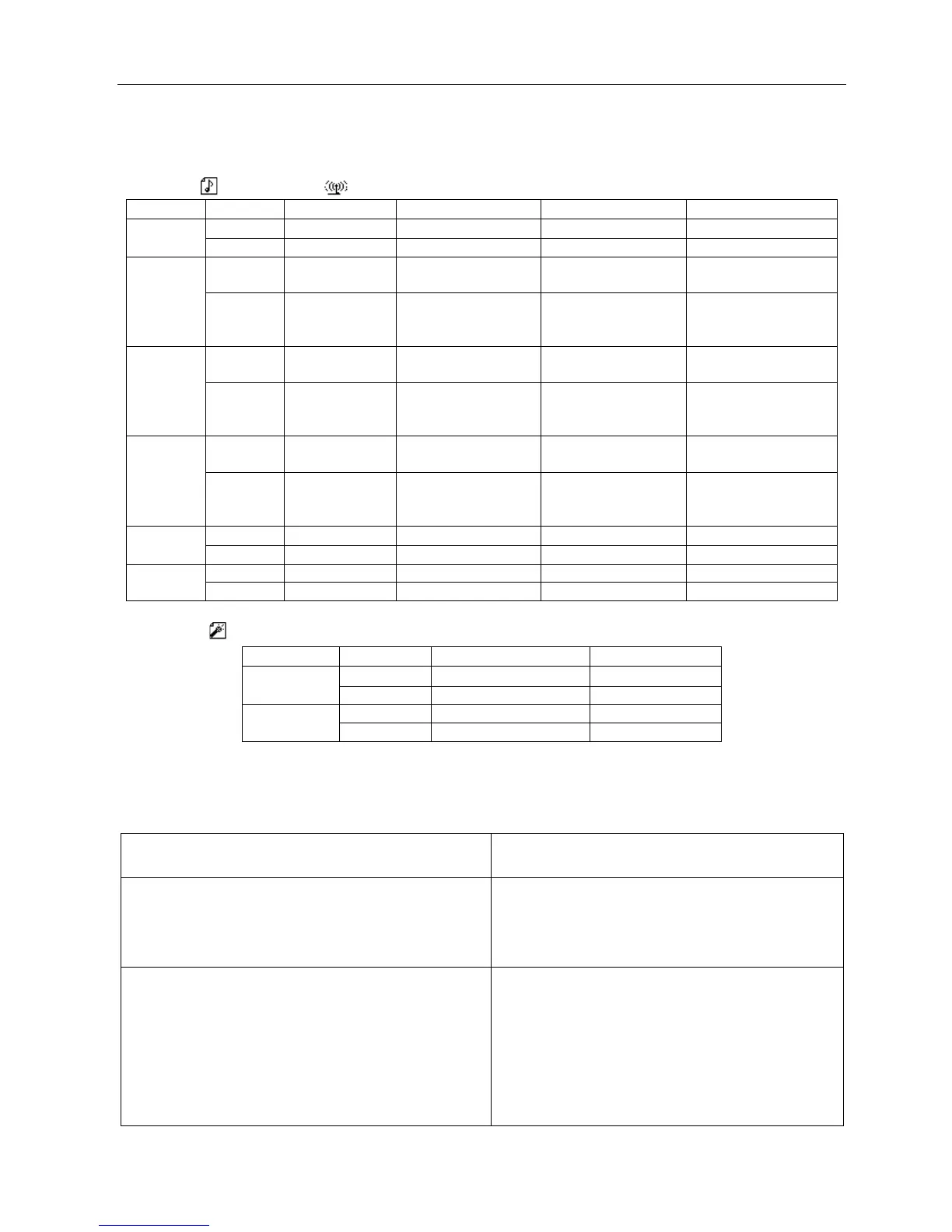
Keys Operation
Music mode and Voice mode
Operation
Action
Stop Status
Play Status
Playing- Submenu
Stop-Submenu
Play
long press
turn off
turn off
turn off
turn off
press
play
stop
exit from menu
exit from menu
Mode
long press
Enter main
menu
enter main menu
enter main menu
enter main menu
press
enter
Stop-submenu
Enter Playing-
submenu
confirm current
option or enter next
submenu
confirm current
option or enter next
submenu
Vol+
press
volume
increase
volume increase
X
X
press on
volume
increase
continuously
volume increase
continuously
X
X
Vol-
press
decrease
volume
decrease volume
X
X
press on
decrease
volume
continuously
decrease volume
continuously
X
X
Record Mode
Operation
Action
Record Status
Play
long press
stop recording
press
pause recording
Mode
long press
X
press
X
Play Music
Basic Operation
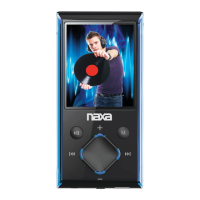
1Connect the earphones
2. Push the POWER switch to ON
3 press Play button to turn on the player and enter
Music mode. Press Play button again to play music.
4.To select music
Switch the MODE
5.To adjust the volume
VOL+: to increase volume VOL-: to decrease volume

Related product manuals