First Time Start-up:
Once the system is assembled, filled with water, connected with power, and supplied with pellets
a few basic adjustments to the burner are required. This includes I. Calibrating the external auger
by weighing the wood pellets and II. Adjusting the blower setting at 10%, 50%, and 100% power.
Power CO2% O2%
100% 12-14 7-9
50% 10-8 11-13
10% 6-4 15-17
I. Weighing the pellets
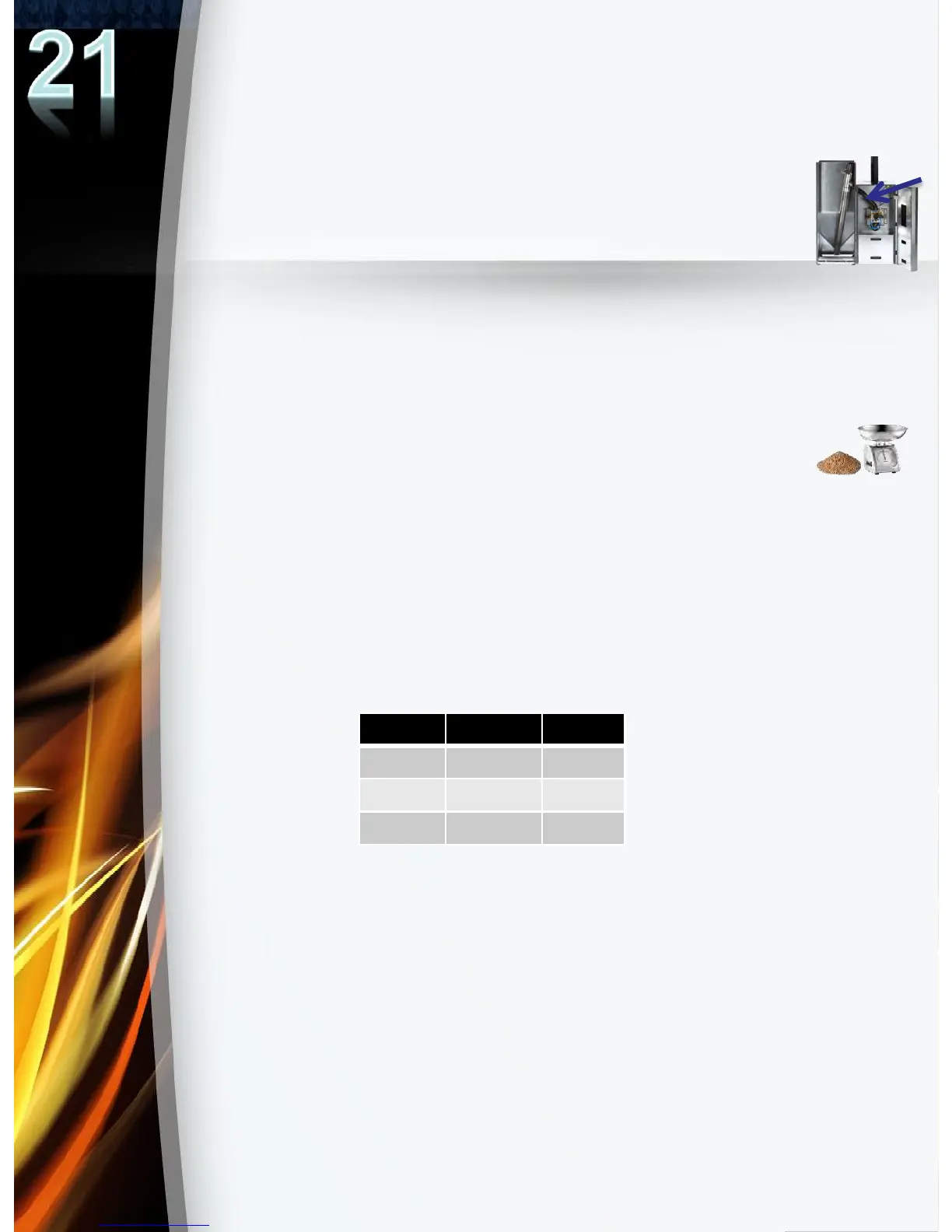
1. Detach the drop hose from the drop tube on the burner and attach a plastic
bag or similar underneath the drop hose
(see image on right.)
2. Go to the Manual Control menu>External Auger>ON. This will force start the
external auger. Allow for approximately 15 minutes of auger running time. This
will ensure that the auger is completely filled and will allow for a more accurate
weighing later. Once complete, discard the pellets from the plastic bag and
refasten the empty plastic bag to the drop hose.
3. Go to the Auger menu>Balancing>360s to activate the 360 second test.
Wood pellets will begin dispensing.
4. When the test is complete, remove the plastic bag, and weigh only the pellets
on a kitchen scale. Enter the weight in the controller by going to the Auger
menu. >Auger capacity/6 min> enter
“pellet weight”
)
II. Adjusting the Blower
1. Turn on the system by pressing the ON/OFF button on the controller.
2. Go to the Regulation menu> set Min power=100% & Max power= 100%.
This will lock output to 100% power. Allow for 15 minutes for the burner to
reach 100% output.
(Note: when locking output to 50% power, set Min & Max power = 50%.
Similarly, when locking output at 10%, set Min & Max power=10%)
3. Take a measurement of either the CO2% or O2% in the chimney using a flue
gas analyzer and control that the CO2% or O2% at 100% power are within
range to the values shown in the table below.
If the O2% reading is too low, (or similarly if the CO2% is to high) compared
to the values on the table, then increase the blower speed to increase the
O2% and decrease the CO2% in the combustion. Similarly, to decrease the
O2% and increase the CO2%, decrease the blower speed.
To adjust the blower speed, go to the Fan menu>Speed at 100% power and
adjust the blower speed by a few % at a time. Allow for a few minutes for the
adjustment to take effect. Take an O2% or CO2% reading and confirm that
the values taken are within range to the values shown in the table.
(Note: fan
speed at 50% and 10% power can also be found under the Fan menu.)
4. Repeat steps 1-3 to adjust the blower speed at 50% and 10% power.
5. After adjusting the blower at 100%, 50%, and 10%, go to the Regulation menu
and set min power = 10% and max power = 100%. Begin normal operation.


 To Next Page