Select the “Register online, using your internet connection” and click “Next.”
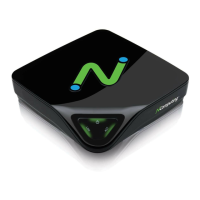
The registration wizard will then show you a list of all unregistered L-series access
devices that are currently connected to this vSpace host. You cannot select which
devices will be registered – all devices shown in this list will be registered.
Before the registration wizard communicates with the registration server, you will get the
following “Summary” screen showing all user information that will be registered with the
vSpace software. Also, any connected but unregistered L-series access devices will be
listed for registration. If the data is correct, click on the “Register” button or click “Back”
if you wish to change any of the information.


 To Next Page