To send a message to a session, select the session and click on the “Send Message”
button in the toolbar. The “Broadcast” tab allows you to select an access device to send
the message to, a “From” entry, and a message. The access device must be connected
to the same host PC. The “Network Broadcast” tab allows you to send a message to an
access devicel that is connected to the same host PC or a different host PC on the same
network.
To view a session’s screen, select the session and click on the “View Station” button.
When viewing a session’s screen, you may select whether or not to control the mouse
and keyboard remotely and whether or not to allow the user to control the mouse and
keyboard. To see and change these settings, right-click on the title bar of the session
view to bring up a menu. There are two settings, “Controlled by TS Admin” and “User
Input Allowed.”
To stop a session, select the session and click on the “Stop Station” button
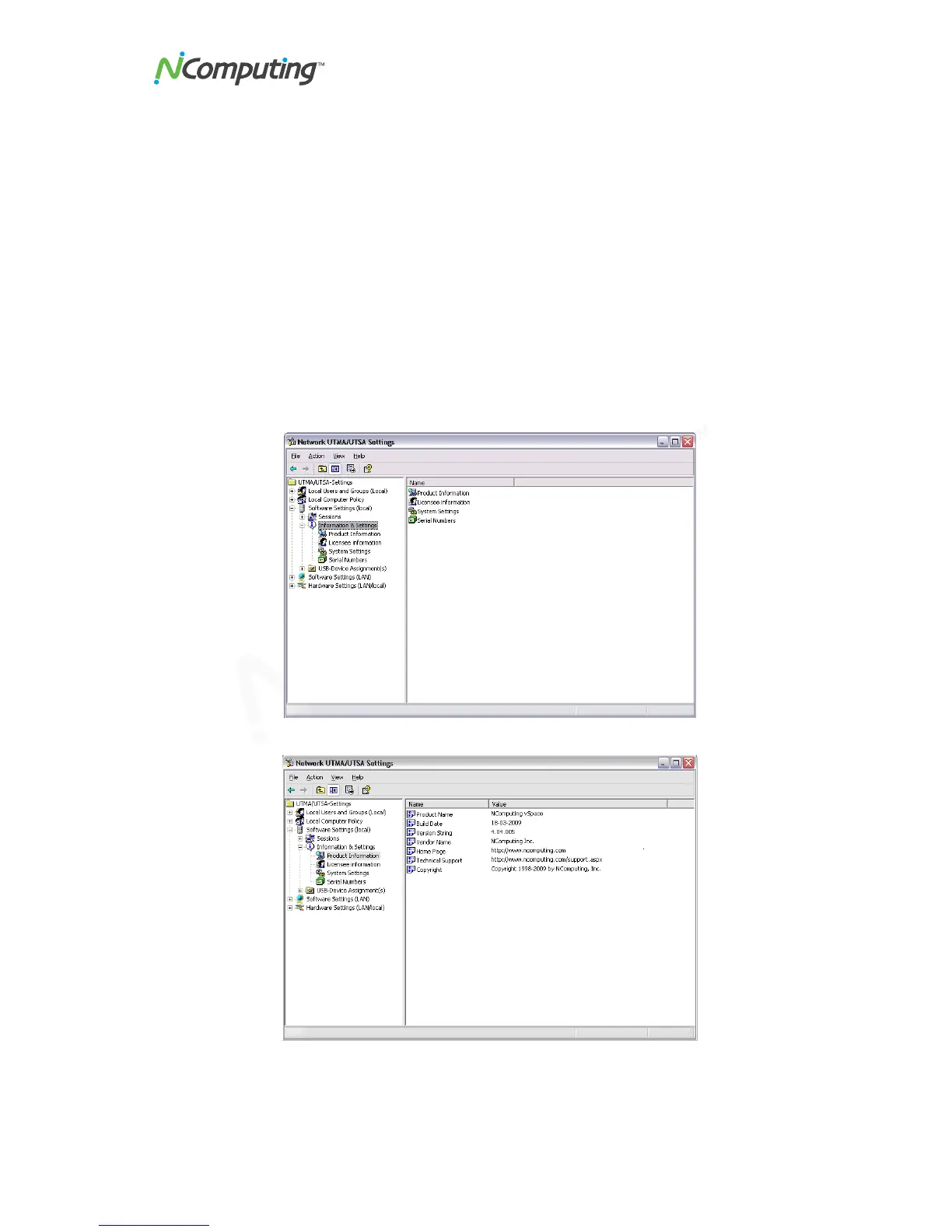
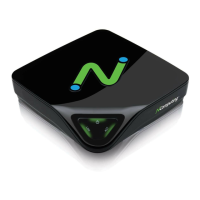
Information & Settings
The "Product Information" tree item shows information about the host’s vSpace software.


 To Next Page