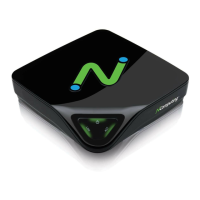
You then get a registration progress screen followed by “Registration results.”
When your registration is complete, you see the “Registration results” screen. Be sure
to click the check box for the “Register future L-series devices in the background” option,
if you want vSpace to automatically register any unregistered L-series access devices
that connect to this system in the future. Use of this “background registration” feature
requires standard internet connectivity.


 To Next Page