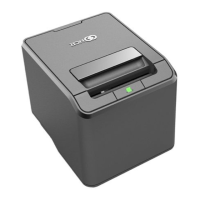
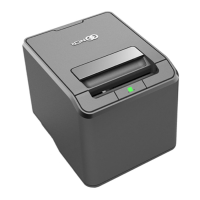
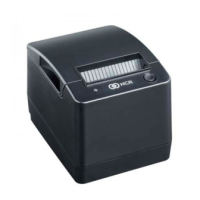
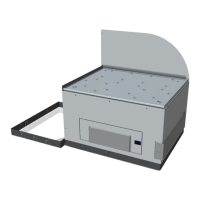
16 7350 Narrow Core (R5N) Receipt Printer Upgrade
Closing Core Door
To close the Core Door, follow these steps:
1. Close the Core Door and then push the door latch until it closes
2. Insert key into the door latch lock and turn key counterclockwise.
3. Insert key in door latch lock and turn the key clockwise to lock door.
4. Remove keys.


 To Previous Page