NCR 7895 RS232 Configuration Setup Guide Rev. B Page 5 of 12
3.1 Configuration via NCR 123Scan Utility
PRECONDITION:
➢ Latest NCR 123Scan Configuration Utility is pre-installed in PC/POS
terminal.
STEPS:
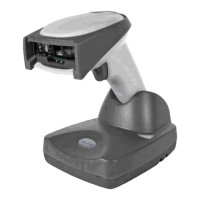
1. Using a USB communication cable, connect the NCR 7895 scanner to a
computer or POS terminal and boot up the scanner. The scanner produces three
incrementing beeps after booting up.
2. Launch NCR 123Scan Configuration Utility.
3. To create configuration file with default settings,
a. Click “Create new configuration file” menu (new Untitled tab will be
created)
b. Select “My scanner is connected via USB cable” option.



 To Next Page