L R M - 10 – U s e r M a n u a l
19
Data transfer
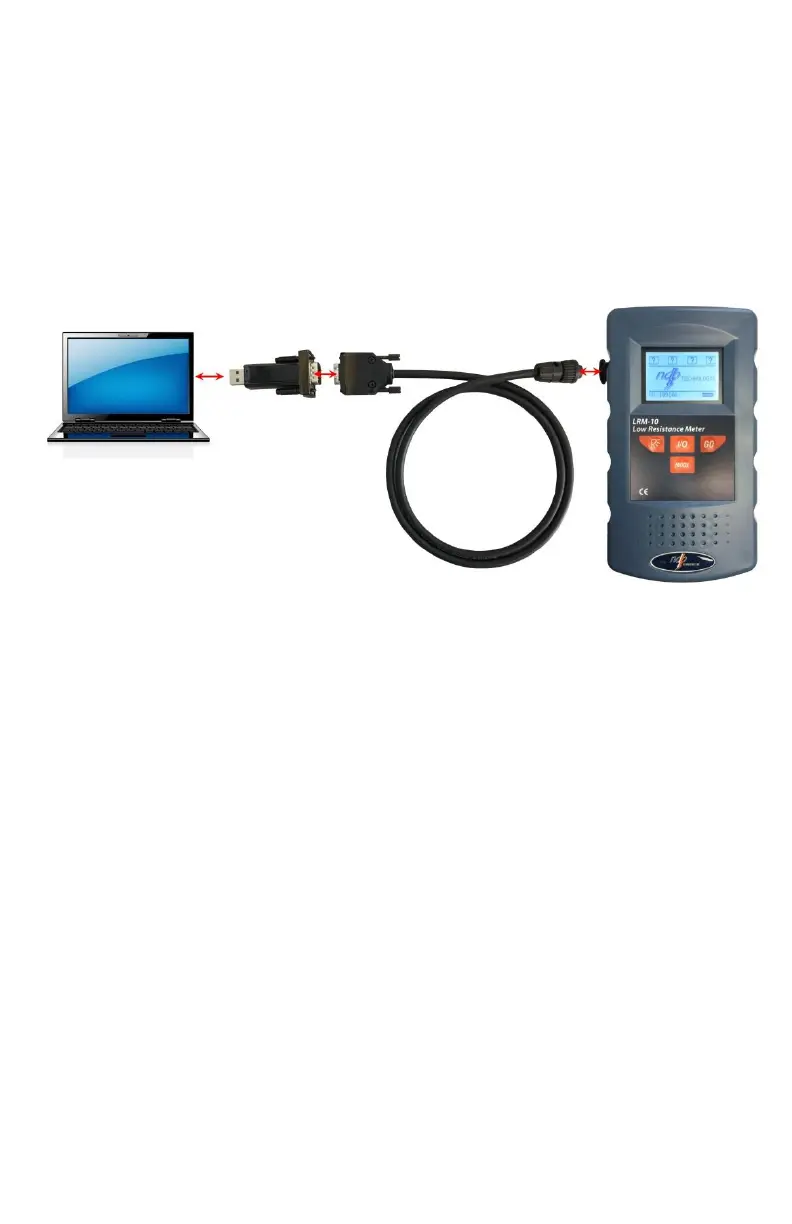
The LRM-10 features the capability to send reading data to a computer using its
serial communication port (the same connector is also used to charge the
batteries).
Connect the LRM-10 micro-ohmmeter to a PC computer using the XDP-
103 and XDP-104 accessory. See next figure:
In Windows, open the Control Panel.
Open Device Manager.
Select the Serial Port.
Configure the Serial Port:
o Bits per second: 19200
o Data bits: 8
o Parity: None
o Stop bit: 1
o Row control: None



 To Next Page