L R M - 10 – U s e r M a n u a l
7
Settings
Follow the steps below to adjust the instrument’s settings.
Turn ON the instrument by pressing the I/O button.
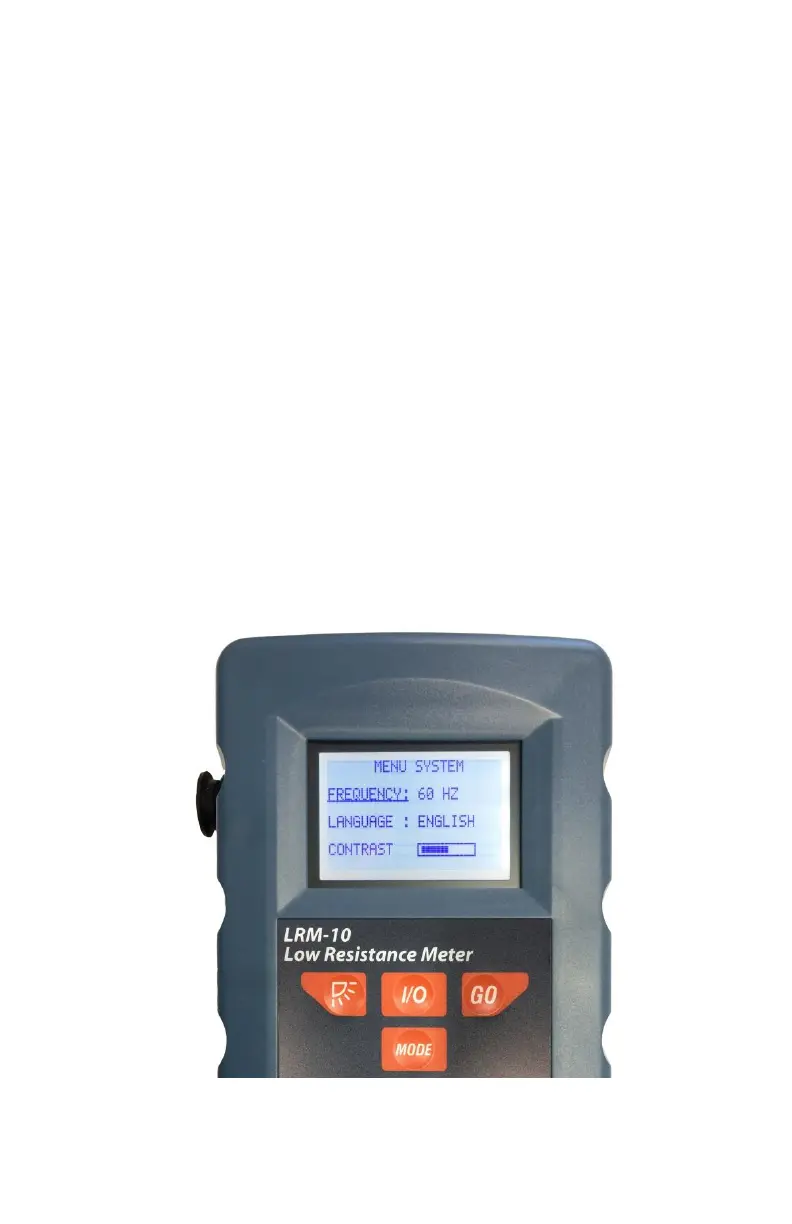
Press and hold (approximately 6sec) the MODE button until the System
Menu appears, see figure below.
Press the MODE button to select the parameter to set.
o Frequency: Select the electric network frequency where the
LRM-10 micro-ohmmeter will be used (50Hz or 60Hz). This
feature allows a reduction of the reading errors due to nearby
electromagnetic induction on the test leads.
o Language: Select the preferred language between English and
French.
o Contrast: Adjust the display’s contrast.
Press the Backlight button or the GO button to set the parameter.
When completed, press and hold (approximately 6sec) the MODE
button until the System Menu disappears.



 To Next Page