3
Overview
12
11
2
10
1
3
4
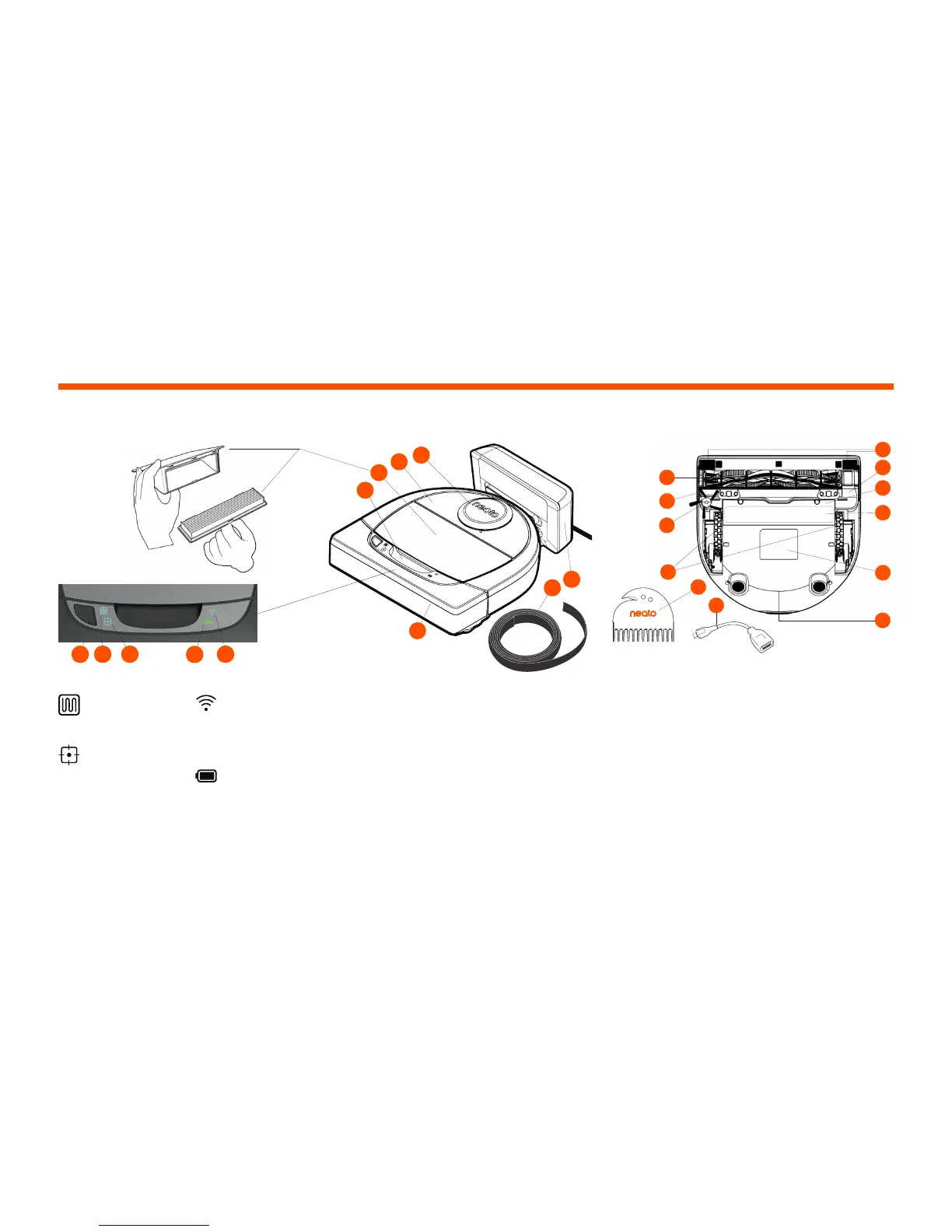
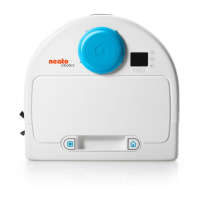
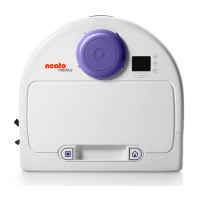
1 Laser Cover
2 Top
3 Dirt Bin and Filter
4 Handle
5 Start Button
6 House Clean Icon
7 Spot Clean Icon
8 Battery Icon
9 Wi-Fi Icon
10 Front Bumper
11 Boundary Marker (included in some models)
12 Charge Base
13 Brush
14 Wall Following Sensor Window
15 Side Brush (available on specific models only)
16 Wheels
17 Drop Sensor Window
18 Brush Guard
19 Battery Door
20 Maintainance Tip Label
21 Robot Label
22 Charging Contacts
23 Upgrade Cable (included in some models)
24 Cleaning Tool (included in some models)
14
24
23
13
17
19
20
21
15
16
18
22
HOUSE CLEAN LED shows:
· Whole House Clean
· House Clean Error
SPOT CLEAN LED shows:
· 7' x 7' Spot Clean
· Spot Clean Error
WI-FI LED shows:
· Wi-Fi connection
status during pairing
· Out of range or
other status
BATTERY LED shows:
· Charge State
· Battery Errors
NOTE: Icon light details are described later in this user guide.
Requirements: You need Wi-Fi, an iOS or Android phone or
tablet, and a Neato account (free) in order to use some features.
(filter may
vary by model)
English
Start Button & LED Lights
5
6
7
8
9






 To Next Page