• Power on / off / switch to standby
• Press to enter / exit mouse key mode.
• Press to confirm a selection or entry
• Pause / resume during play
• Press to access the home menu
• Access more options during play (availability of options are
dependent on the source input).
• Press and hold to adjust focus
Navigation buttons
• Navigate menus or adjust the selected contents
• Return to a previous menu
• Volume down / up
GettingStarted
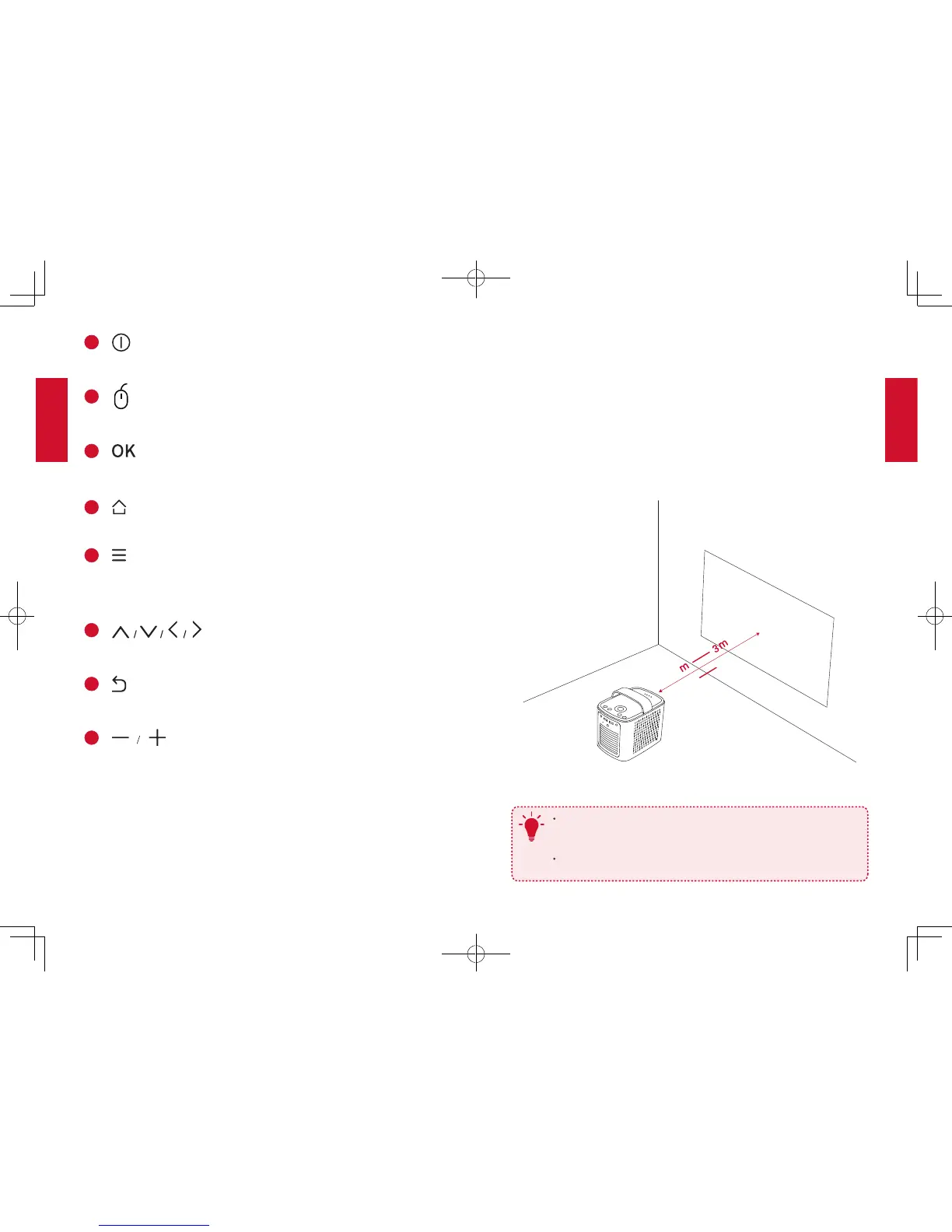
1. Placement
Place Mars II on a stable, flat foundation in front of the projection
surface. For the best results, the projection surface should be white
and flat. The distance between the projector and the projection surface
must be a minimum of 1 meter (39.4 inches) and a maximum of 3
meters (118 inches).
39.4”
1
118”
T
It is unnecessary to tilt the projector towards the projection
surface. You can correct the projection image with the built-in
keystone correction.
The distance between the device and the projection surface
determines the image size.



 To Next Page