English
English
14 15
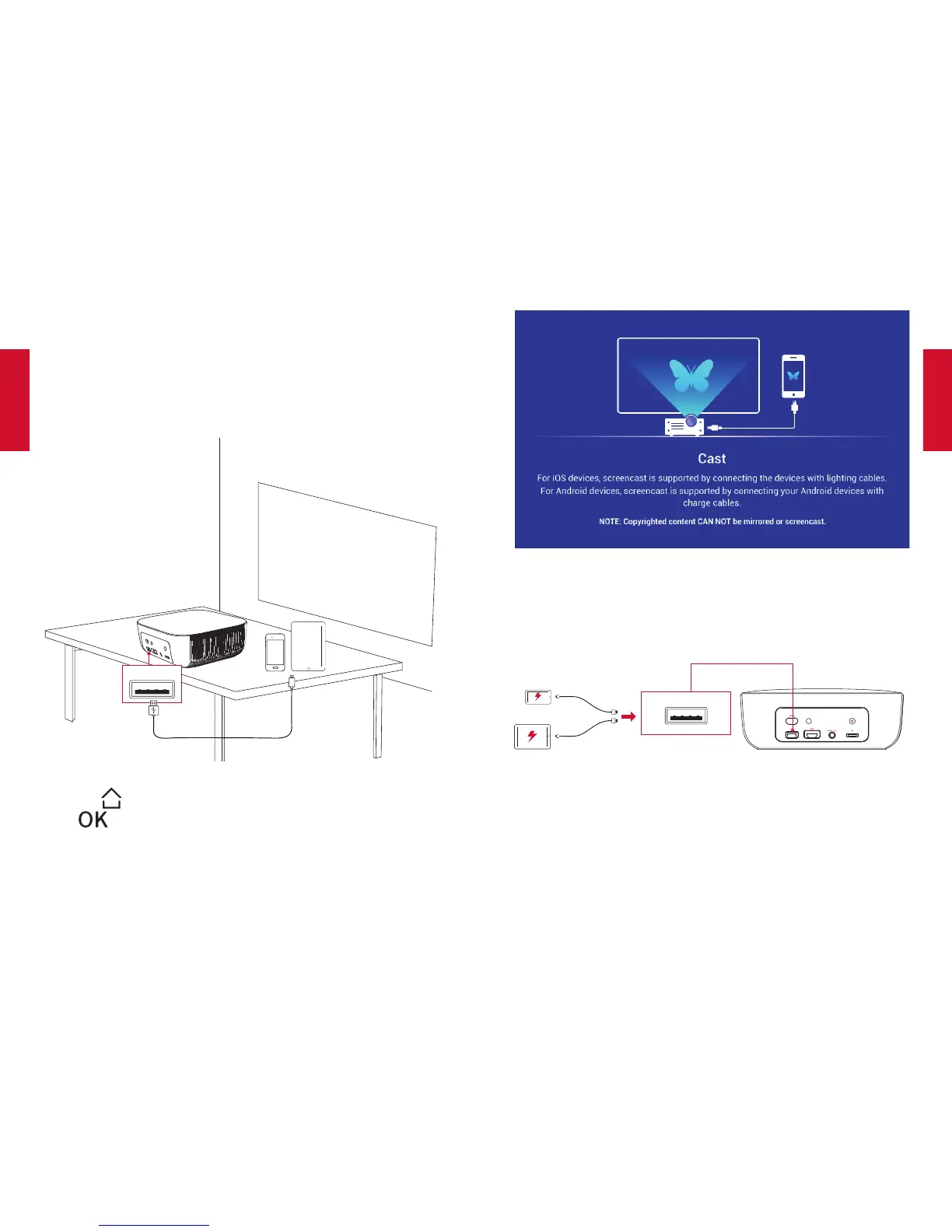
4. UseWireCast
You can mirror the screen of your smartphone or tablet onto the
projection surface.
①
Connect your smartphone or tablet to this projector by using a
USB cable (not provided).
USB
②
Press to access the home menu, select [Wire Cast] and
press .
③
Follow the on-screen instructions to complete the connection.
5. ChargeYourDevices
This projector can also be used as a power bank to charge your
USB devices.
USB
UpgradingtheFirmware
ToUpgradethermware,followtheinstructionsbelow:
①
DownloadthermwareupgradesoftwarewithaUSBdrivefrom
the Nebula website: SeeNebula.com.
②
Insert the USB drive into this projector’s USB port.



 To Next Page