AP400 – All Types Installation Manual Page 19 of 34 © NEC Nederland B.V. 2011
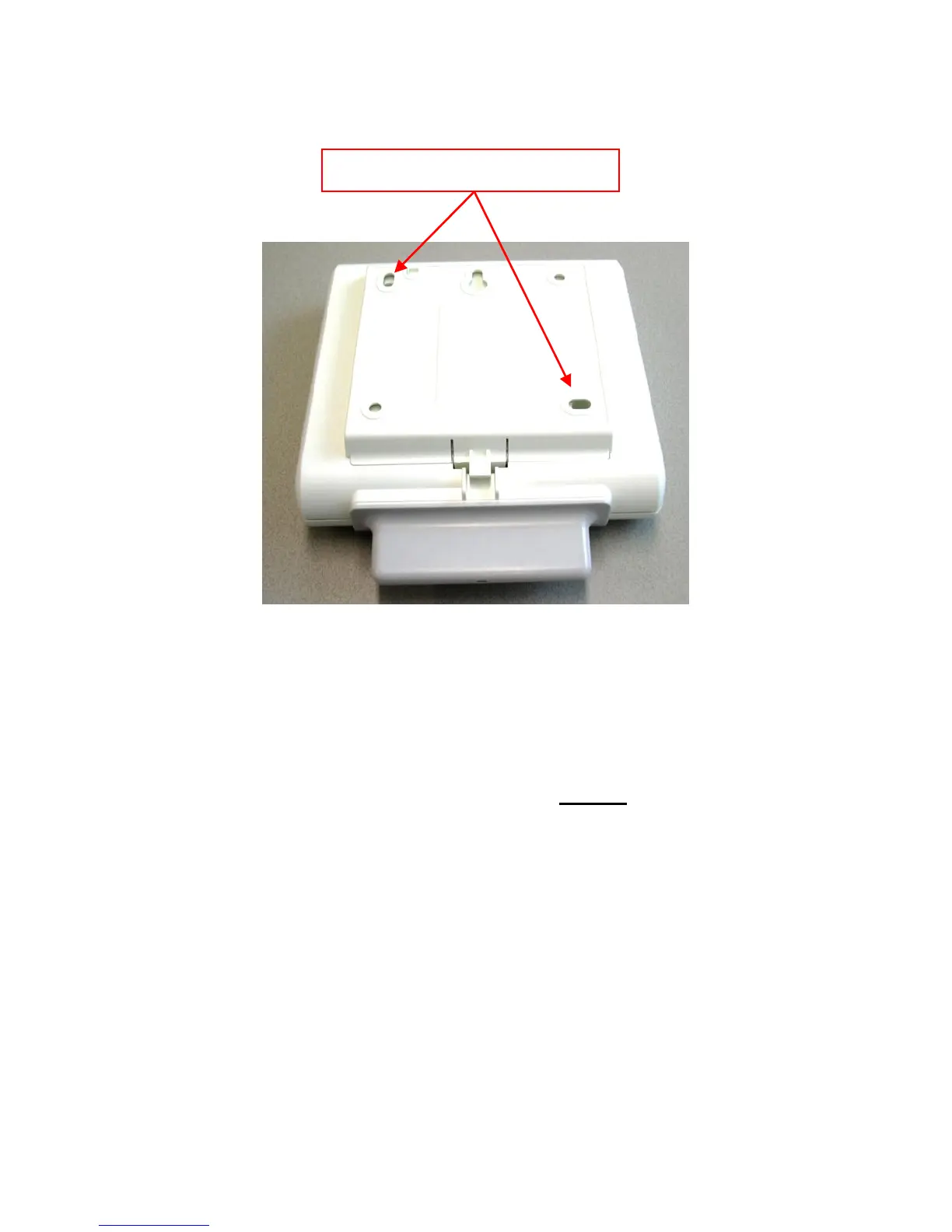
Figure 4. Rear side of Cabinet.
2. Open the cabinet CAREFULLY! Make sure that you shift the cover of the antenna’s
carefully from the antenna’s.
3. Take the antenna cover from the AP400 cover.
4. To put the antennas in vertical position, bend them carefully as shown in Figure 5.
Bend Antennas carefully into vertical position.


 To Next Page