© NEC Nederland B.V. 2011 Page 18 of 34 AP400 – All Types Installation Manual
2 ADJUSTING THE ANTENNA POSITION
This chapter is not applicable for the AP400E.
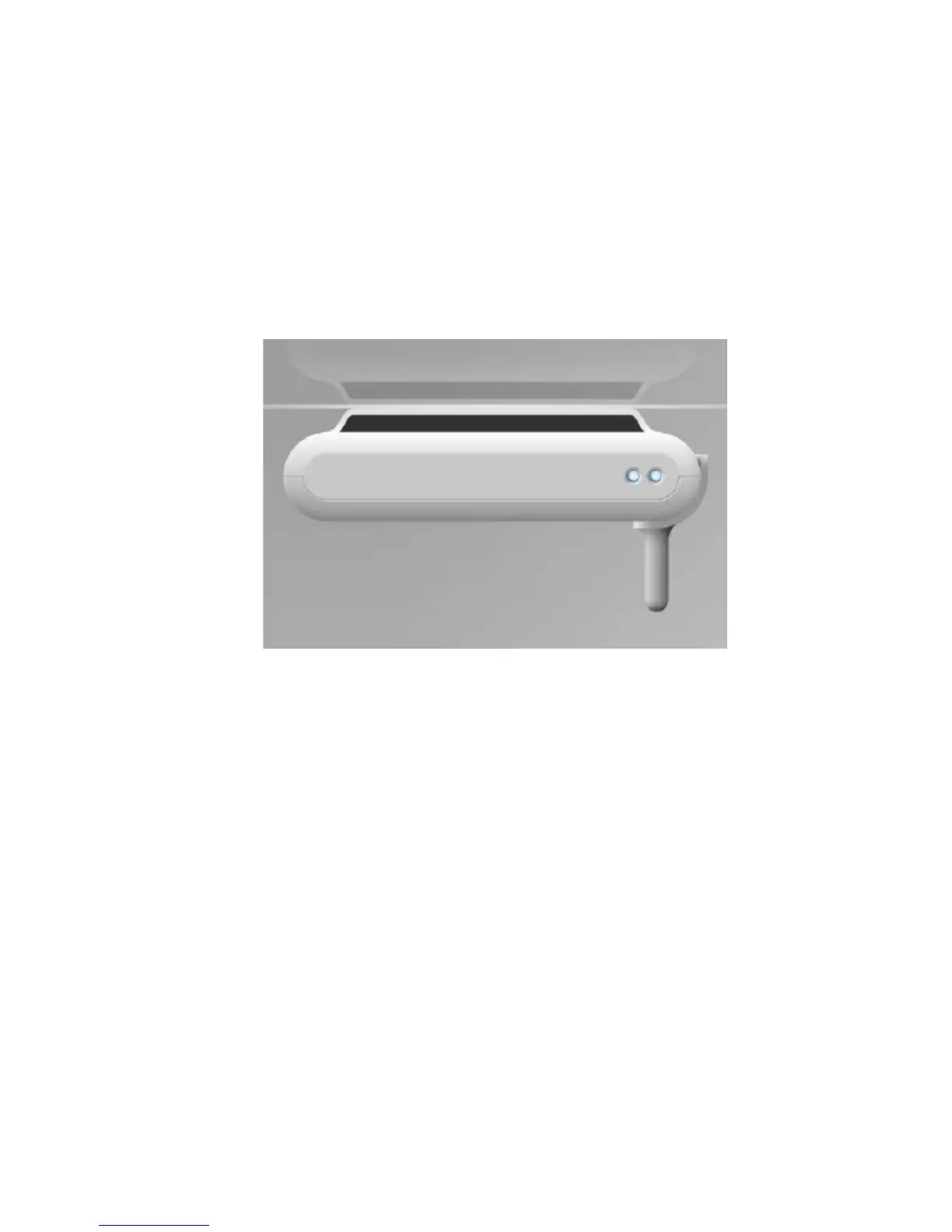
Note: You only need to change the antenna position when you mount the AP400
horizontally! In all other cases you don’t need to change the antenna position.
Figure 3. AP400 mounted horizontally
PROCEDURE: “Adjusting the Antenna position”.
Note: Antenna position can be changed once. You should not change it back!
Actions
1. Remove the two screws from the rear side of the cabinet.


 To Next Page