AP400 – All Types Installation Manual Page 21 of 34 © NEC Nederland B.V. 2011
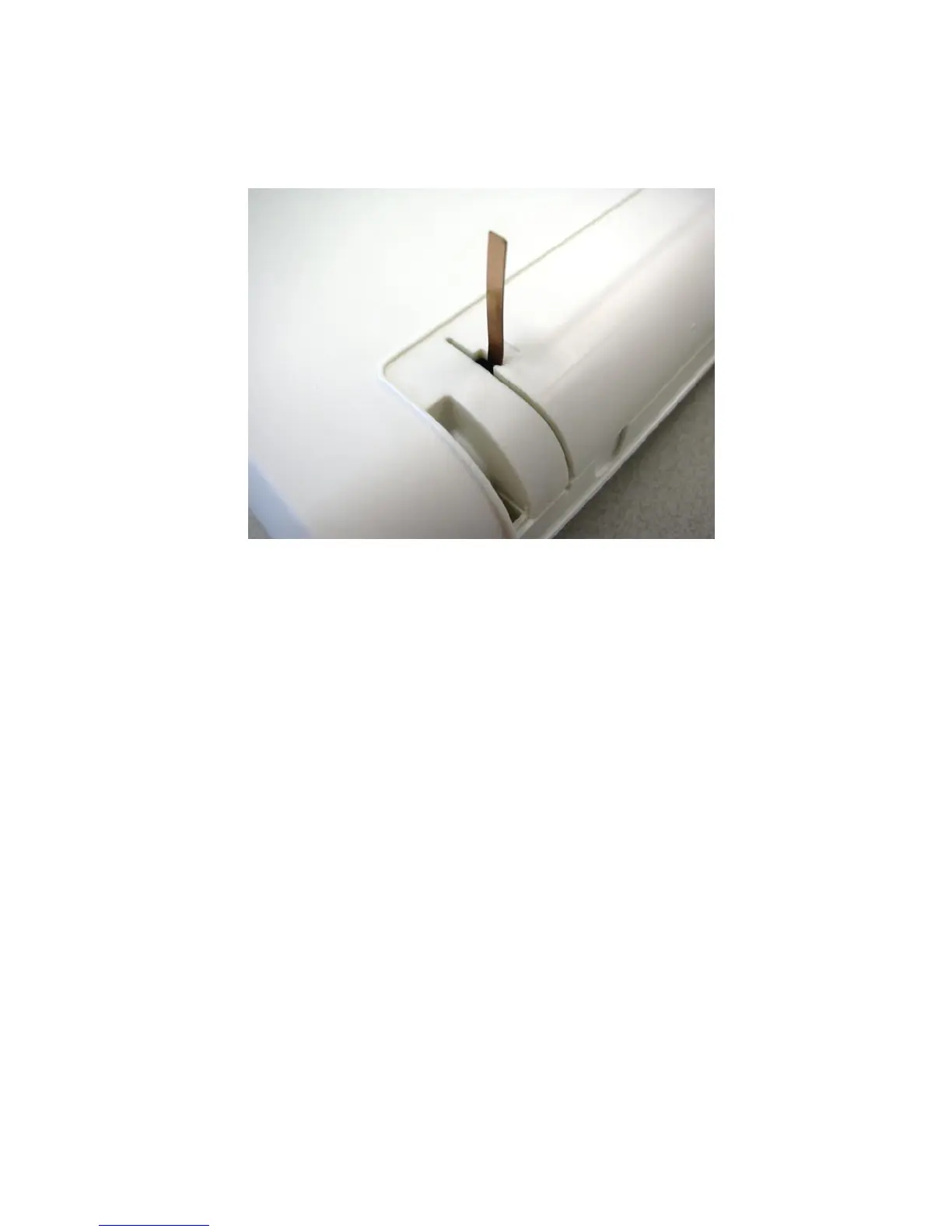
6. Make sure that the antennas are properly locked into the locks in the AP400 cover.
Figure 7. Detail of Antenna in lock.
7. Move the antenna cover carefully over the antennas in the vertical position and make
sure that the antennas do not bend. When the antenna cover is in its position, push it
further into its position in the AP400 cabinet to fix it.


 To Next Page