AP400 – All Types Installation Manual Page 29 of 34 © NEC Nederland B.V. 2011
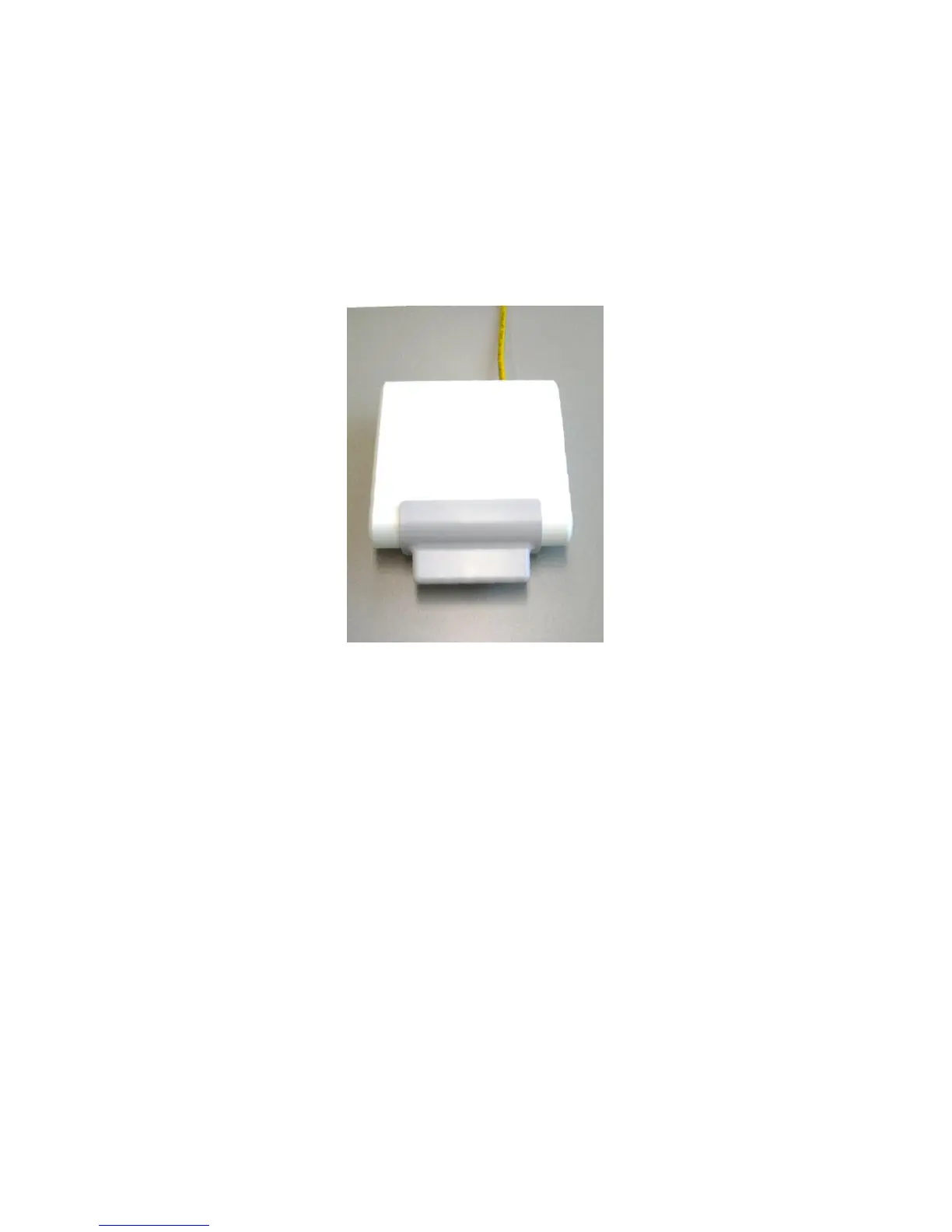
6. Push the cabinet onto the mounting plate.
Note: When pushing the AP400 on to the mounting plate, make sure that you hear/feel
a distinct click. This indicates that the AP400 is firmly mounted to the mounting
plate.
Figure 15. AP400 mounted against the wall.


 To Next Page