Adjusting the monitor 29
Degauss
Use the OSD control panel and the degauss icon to degauss the
monitor. Degaussing eliminates stray magnetic fields.
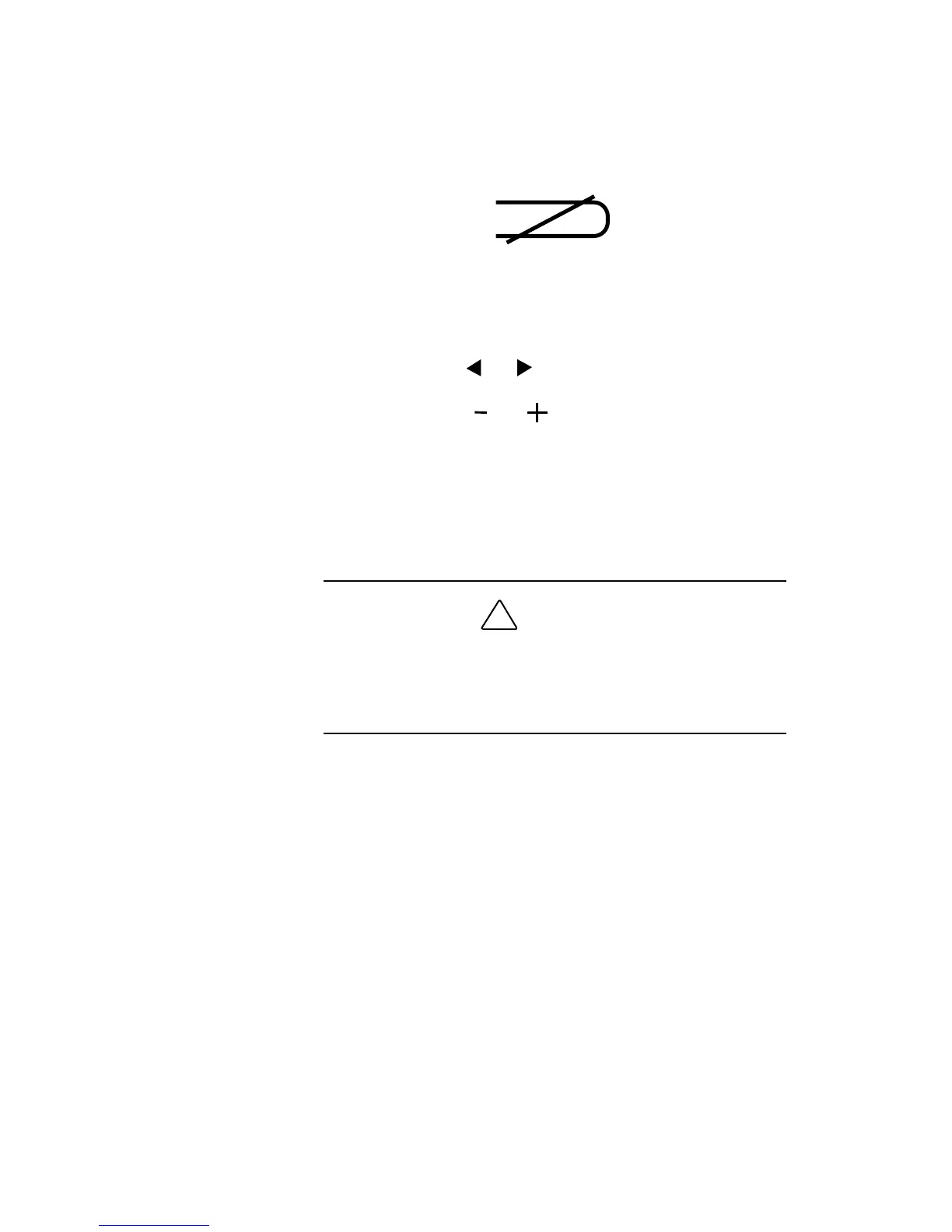
Degauss icon
1.
Press
MENU
twice to bring up the OSD control panel.
2.
Press
SELECT
or to highlight the degauss control icon.
3.
Press
ADJUST
or
to degauss the monitor.
During degauss, the screen image jumps and wavers as the
screen is demagnetized.
4.
Press
MENU
to save the setting and turn off the OSD control
panel.
!
CAUTION
Allow a minimum of 20 minutes to elapse between uses of
the degauss button. Do not hold the button down
continuously to avoid decreasing the life of the degauss
circuitry.










 To Next Page