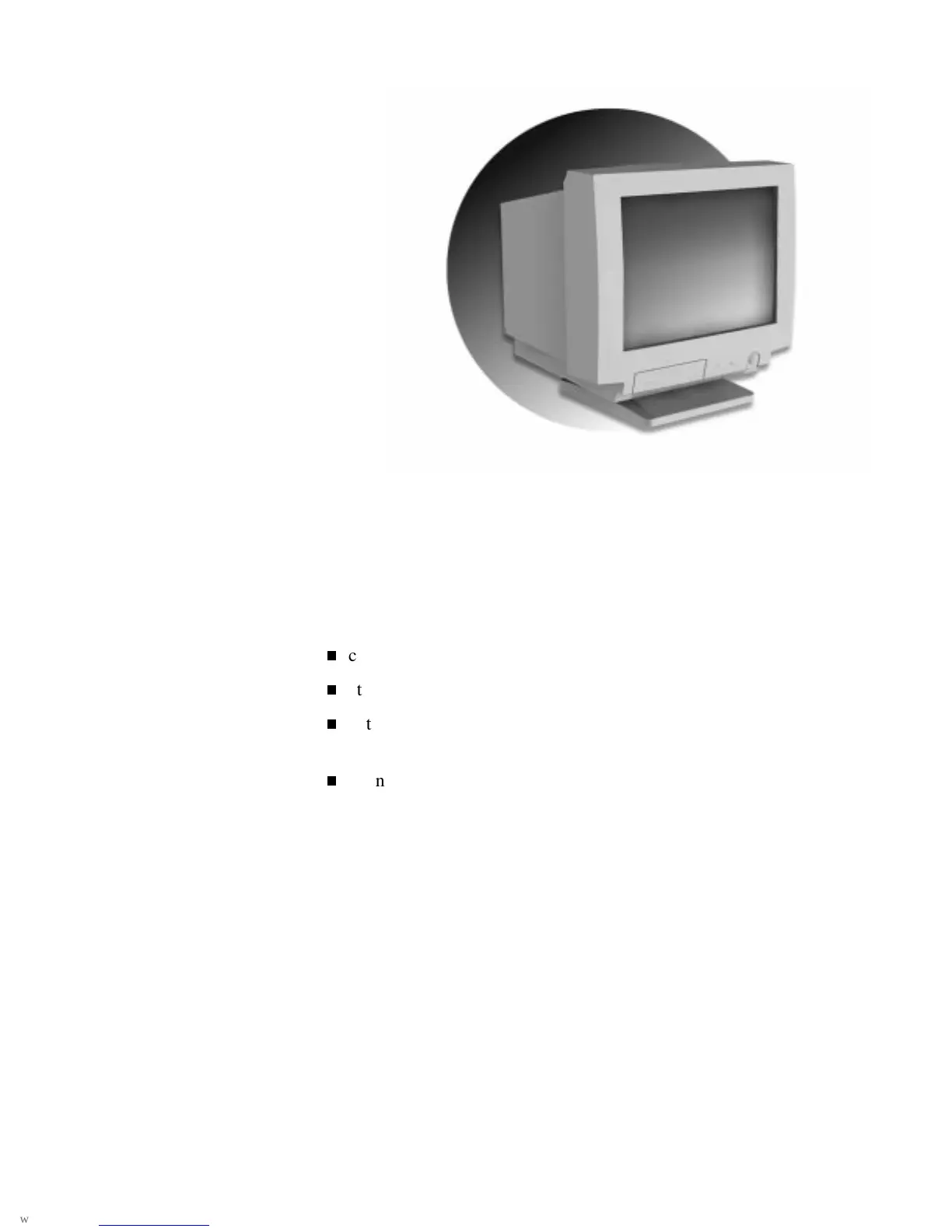
Setting up your monitor 1
Setting up your monitor
Your NEC C Series color monitor is easy to set up. See the following
sections to:
check out the items that come in the carton
attach the monitor stand to the monitor
get acquainted with the features on the front and rear of the
monitor
connect the monitor to your computer.










 To Next Page