Documents for This Product
Express5800/R120f-2E, T120f Maintenance Guide
Documents for This Product
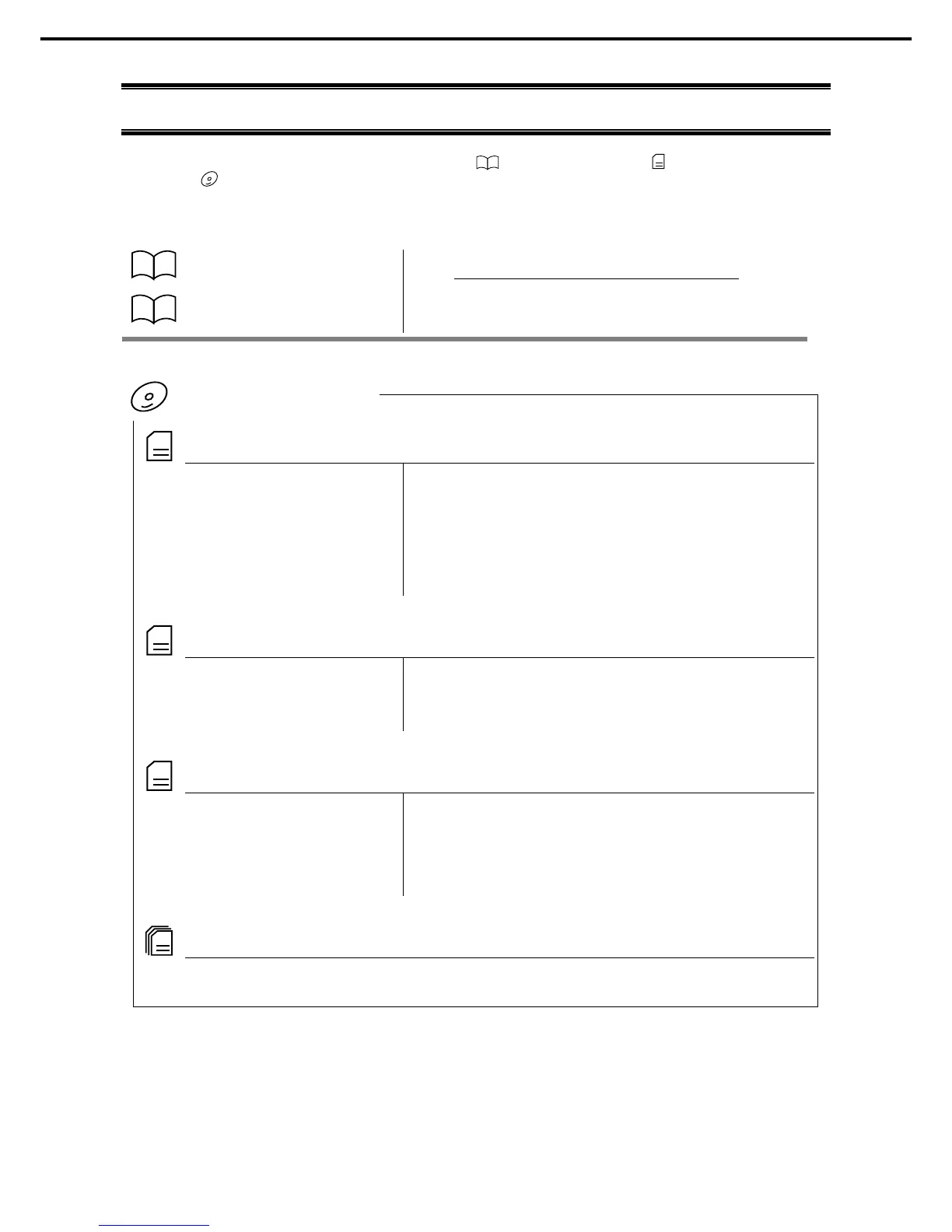
Documents for this product are provided as booklets ( ) and electronic manuals ( ) in the EXPRESSBUILDER
DVD ( ).
Describes points of caution to ensure the safe use of this
server. Read these cautions before using this server.
Describes how to use this server, from unpacking to operations.
See this guide first and read the outline of this product.
Chapter 1: General Description Overviews, names, and functions of the server’s parts
Chapter 2: Preparations Installation of additional
options, connection of peripheral devices,
and suitable location for this server
Chapter 3: Setup System BIOS configurations and summary of EXPRESSBUILDER
Chapter 4: Appendix Specifications and other information
Installation Guide (Windows)
Chapter 1: Installing Windows Installation of Windows and drivers, and precautions for installation
Chapter 2: Installing Bundled
Software
Installation of NEC ESMPRO, Universal RAID Utility
Chapter 1: Maintenance Server maintenance and troubleshooting
Chapter 2: Useful Features Useful features and the detail of system BIOS settings, RAID
Configuration Utility, and EXPRESSBUILDER
Chapter 3: Appendix Error messages and Windows Event Logs
The detail of NEC ESMPRO, Universal RAID Utility, and other features





 To Next Page