5
1. Introduction
S
T
A
T
U
S
L
AM
P
AU
T
O
A
D
J
.
SO
U
R
CE
S
E
L
E
C
T
M
E
N
U
E
X
I
T
E
N
T
E
R
FOCU
S
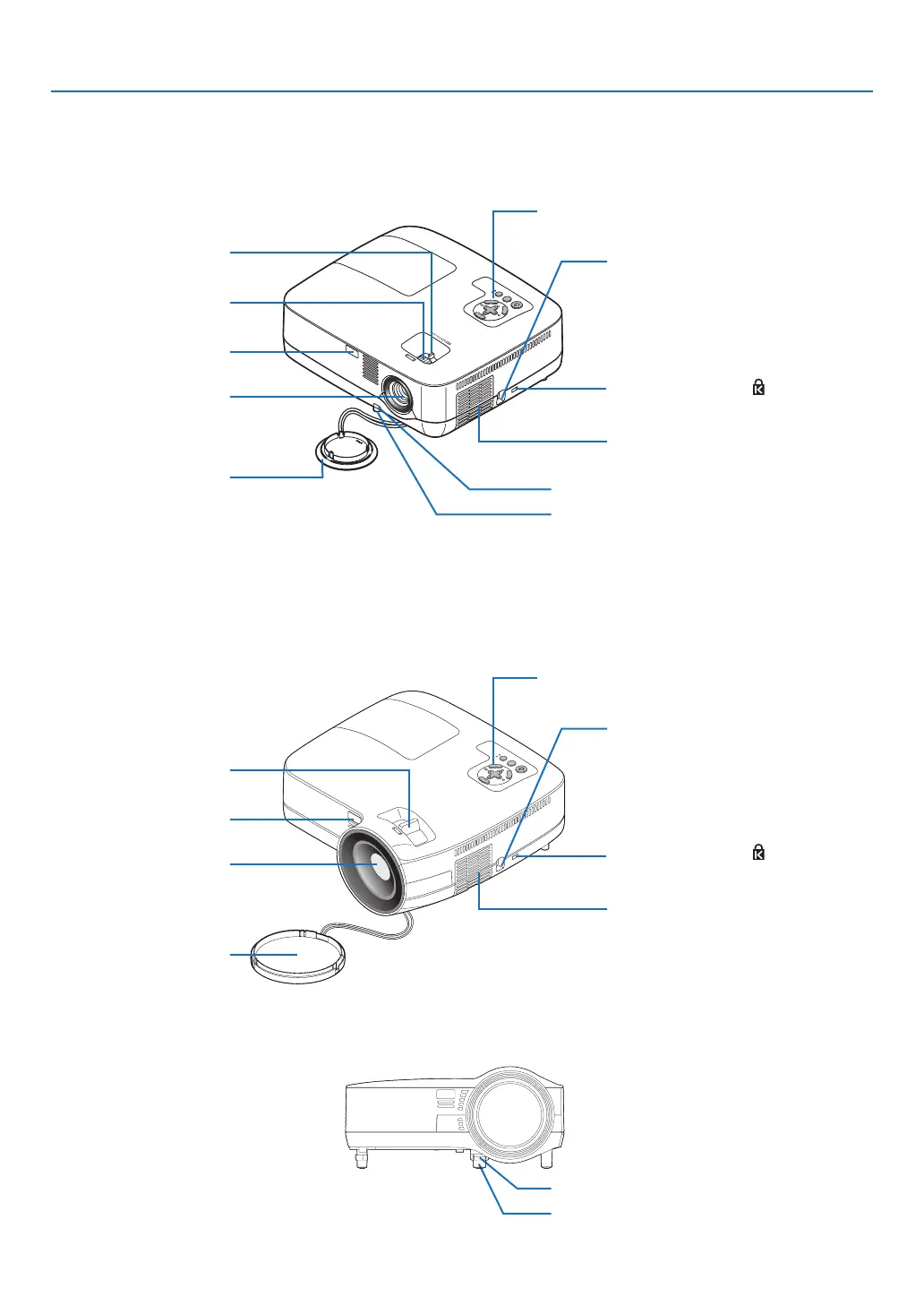
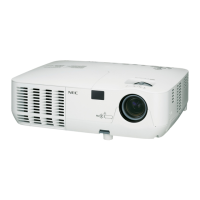
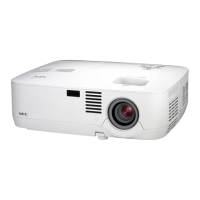
Part Names of the Projector
Front/Top
NP600/NP500/NP400/NP300/NP500W
Zoom Lever
(→ page 32)
Controls
(→ page 7)
Lens
Lens Cap
Built-in Security Slot ( )*
Focus Ring
(→ page 33)
Remote sensor
(→ page 10)
Ventilation (inlet) / Filter Cover
(→ page 76)
* This security slot supports the MicroSaver ® Security System.
Adjustable Tilt Foot (→ page 31)
Adjustable Tilt Foot Lever (→ page 31)
Security chain opening
Attach an anti-theft device.
The security chain opening accepts se-
curity wires or chains up to 0.18 inch/
4.6 mm in diameter.
NP600S/NP500WS
S
TA
T
U
S
L
A
M
P
AUTO
A
D
J
.
S
O
U
R
C
E
S
E
LE
C
T
M
EN
U
E
XI
T
EN
TE
R
F
O
CU
S
Controls
(→ page 7)
Lens
Lens Cap
Built-in Security Slot ( )*
Focus Lever
(→ page 33)
Remote sensor
(→ page 10)
Ventilation (inlet) / Filter Cover
(→ page 76)
Adjustable Tilt Foot (→ page 31)
Adjustable Tilt Foot Lever (→ page 31)
Security chain opening
Attach an anti-theft device.
The security chain opening accepts se-
curity wires or chains up to 0.18 inch/
4.6 mm in diameter.
* This security slot supports the MicroSaver ® Security System.




 To Next Page