29
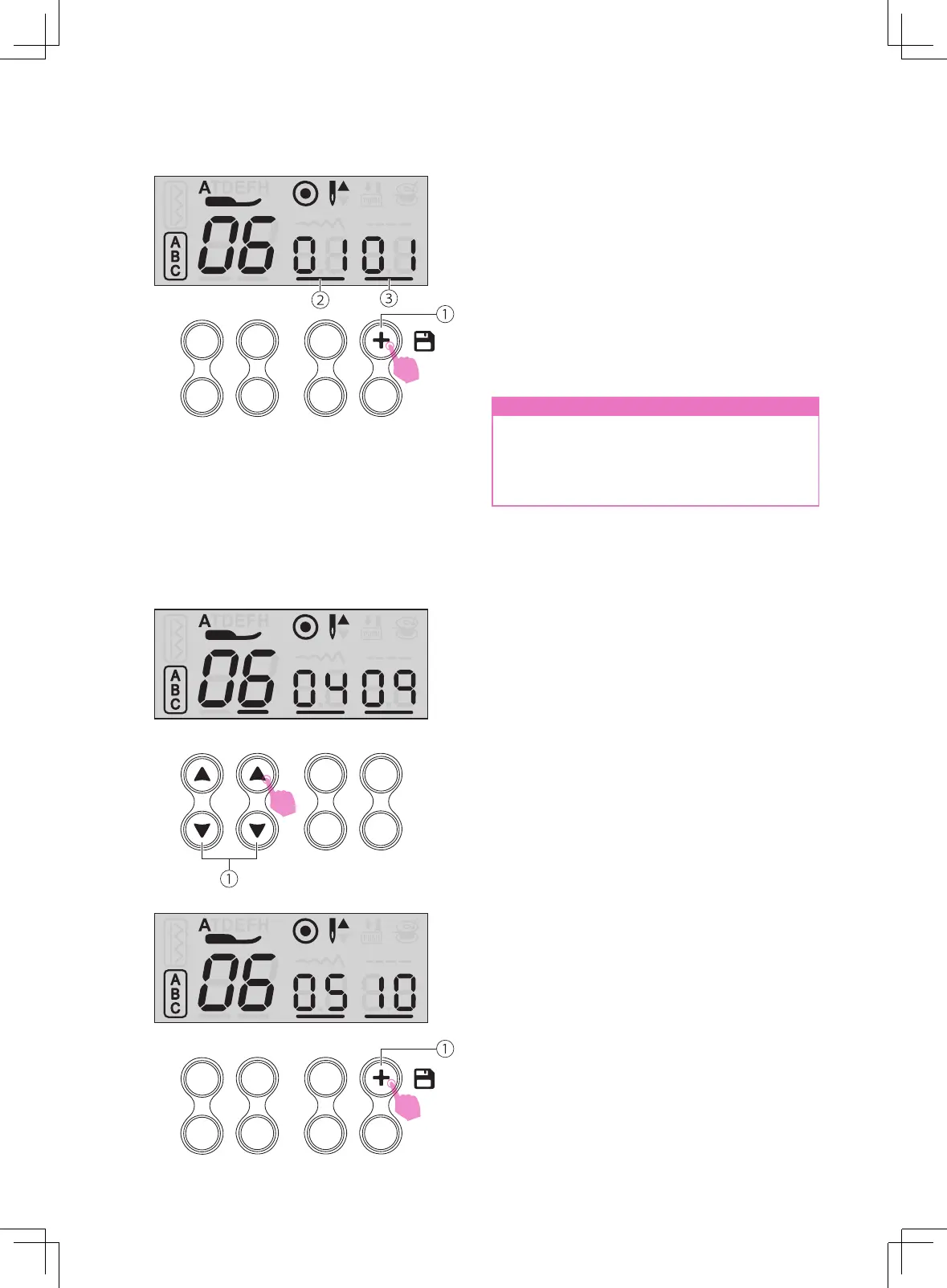
Press the Memory button to save the selected
alphanumeric.
Repeat step several times for stitches
combination. Up to 40 characters can be
combined in memory module.
Ensure to press the memory button after
complete the combination.
①
Memory button
②
Number of current unit
③
Total number of unit
n
Attention
The selected stitch will be cleared from the
memory program after closing the machine
if you do not press the memory button
again when you have completed your
selection.
v
Inserting stitches
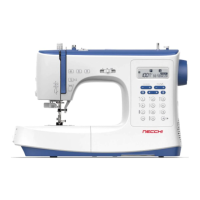
Use the stitch selecting buttons "+" or "-"
move prior to the stitch you left out. Then
select the alphanumeric you would like to
add, the stitch number you have selected is
displayed.
①
Stitch selecting buttons
Press the memory button to add the new
stitch.
①
Memory button



 To Next Page