30
v
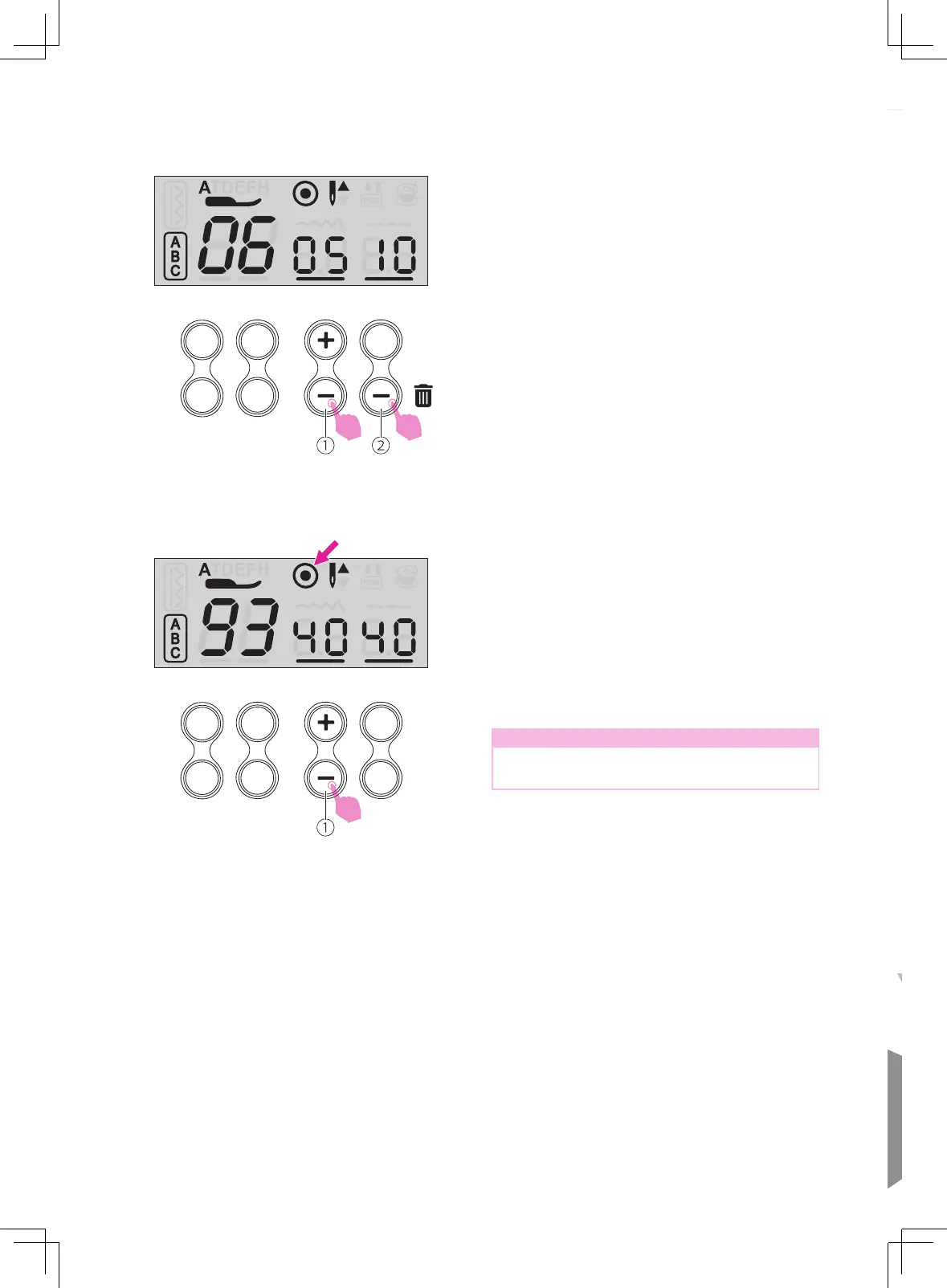
Clearing stitches
Use the memory stitch selecting button "+" or
"-" to display the current select stitch.
Press the clear button to delete the selected
stitch and the next stitch in the back will move
forward.
If you want to delete all saved stitches, long
press the clear button.
①
Memory stitch selecting button
②
Clear button
1
2
v
Recalling and sewing the
memorized stitches
Press the mode selection button to alphabet
mode, then press the memory button to enter
the memory mode.
Press memory stitch selecting button "+" or
"-" repeatedly, the LCD will display the stitche
numbers and the settings that have been
stored one by one.
Note
The last stitch will be tied off automatically
under the memory mode.



 To Next Page