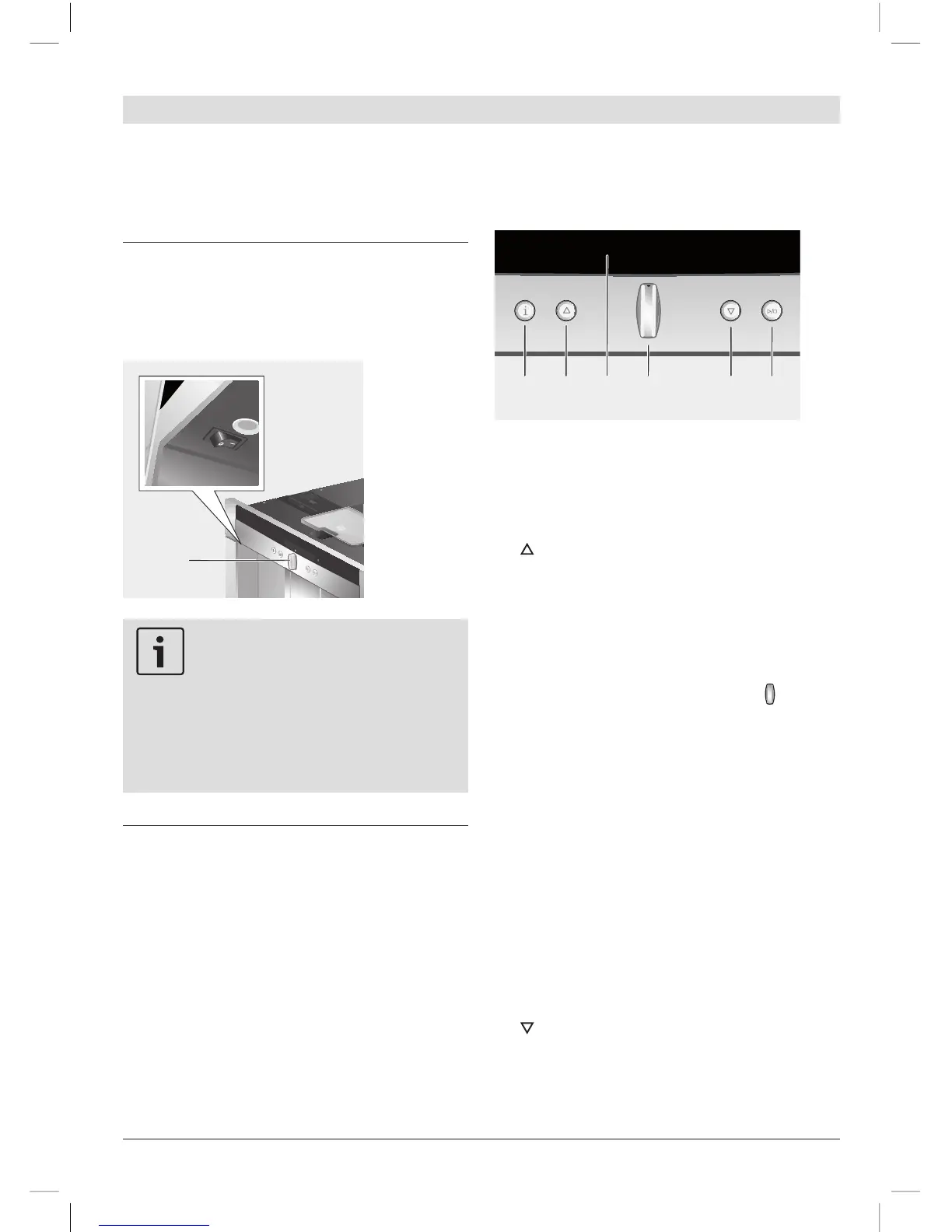
Important:
Do not press the power switch
while the appliance is operating.
You should only switch off the ap-
pliance after putting it into “energy
saving mode” by retracting the
navigation button. This initiates
automatic rinsing of the appliance.
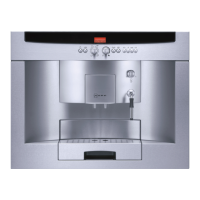
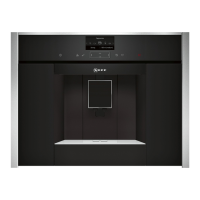
Menu and display
The appliance features user-friendly menu
navigation to ensure that operation is as
easy as possible while at the same time
offering a wide range of functions. It allows
you to select from a multitude of options in
only a few steps once you know how. The
display shows which programme you have
selected and lets you know when you need
to top up the appliance with water or coffee,
or run one of the service programmes.
Basic menu operation is described in the fol-
lowing pages.
1 i: If you press i briefly, information is
shown on the display (see “Displaying
information”). If you keep i pressed for
at least three seconds, you open the
settings menu (see “Displaying settings”).
2 : This button is used to navigate up-
wards in the display (3). The currently
active menu item is shown in a larger
font.
3 Display: The display uses symbols and
texts to indicate settings, ongoing pro-
cesses and messages.
4 Retractable navigation button :
Not retracted: The appliance is switched
on. After it is switched on the appliance
rinses, unless it is still warm from its last
use.
Retracted: The appliance is in “energy
saving mode”. After the appliance has
been switched to “energy saving mode”
it rinses, unless coffee has not been
dispensed.
The appliance is ready for use when
the drink selection menu is shown in the
display (3). Press the navigation button in
the required direction to enter or change
settings (e.g. coffee strength or per-cup
quantity).
5 : This button is used to navigate down-
wards in the display (3). The currently
active menu item is shown in a larger
font.



 To Next Page