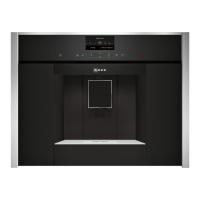
The language selection is shown in the
display:
Einstellungen
Sprache
Deutsch English
Use the navigation button (4) to select
the language in which you want the
display texts to appear. The following
languages can be selected:
Deutsch
English
PYCCKИЙ
Nederlands
Français
Italiano
Español
Polski
Press Start/Stop (6)6). The language
you selected is saved and the appliance
is in “energy saving mode”.
You can change the language setting at
any time (see “Displaying settings”).
Deploy the appliance (see “Deployment
system”).
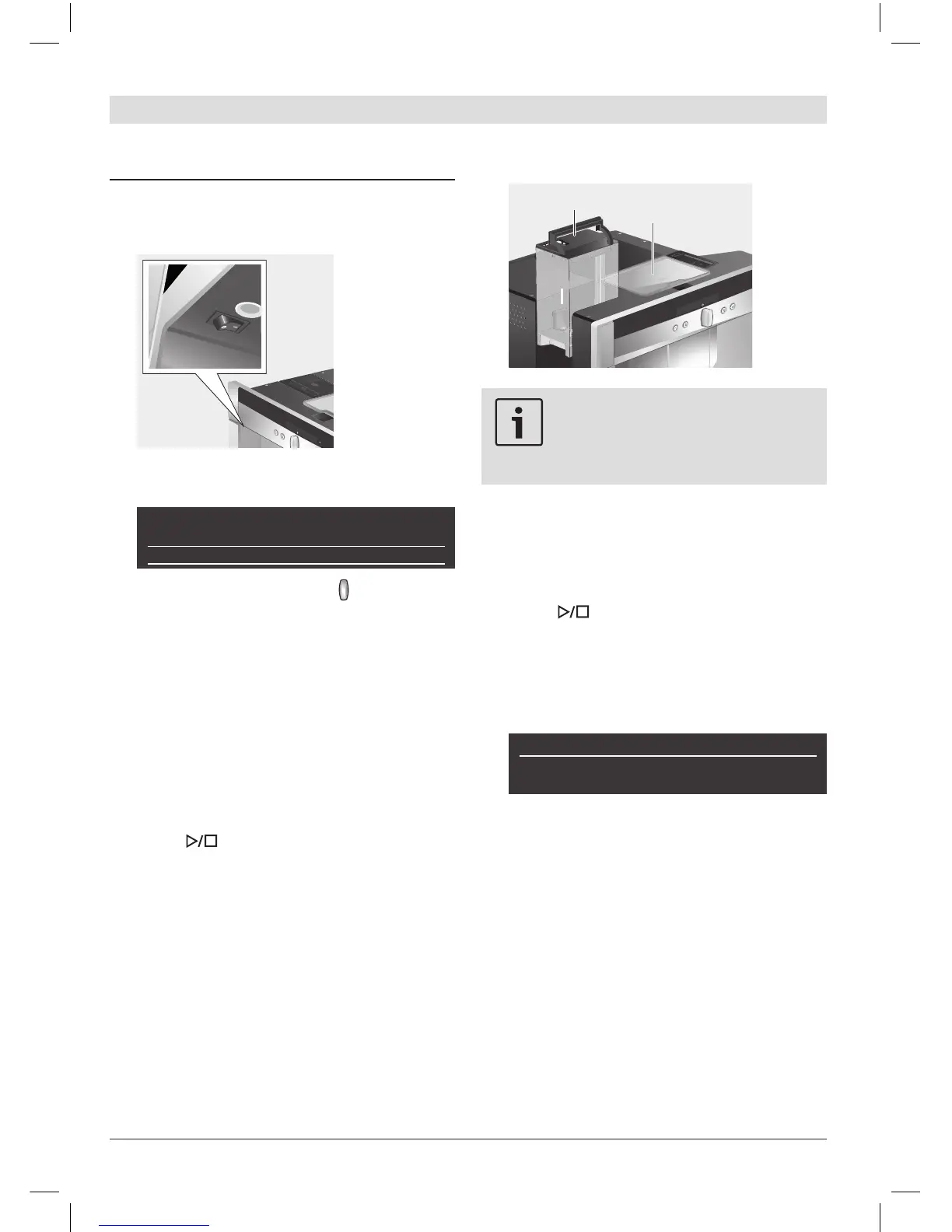
Remove the water tank (8) by pulling it
upward, rinse and ll it with fresh cold
water. Do not ll above the “max” mark.
Replace the water tank and push it rmly
downward into place.
1.
2.
3.
4.
5.
6.
7.
Fill the water tank with fresh water
every day. The tank should always
contain sufcient water for operat-
ing the appliance.
Fill the bean container (9) with coffee
beans (for preparation using ground
coffee, see page 31).
Push the appliance back into the built-in
unit.
Press Start/Stop (6). The company6). The company. The company
logo lights up in the display. The appli-
ance now heats up and rinses. Some
water will run out of the coffee outlet. The
menu for drink selection is shown in the
display:
Espresso Coffee Macchiato
regular
medium cup
Set the water hardness.
8.
9.
10.



 To Next Page