Familiarising yourself with your appliance en
7
Familiarising yourself with your appliance
5 Familiarising yourself with your appliance
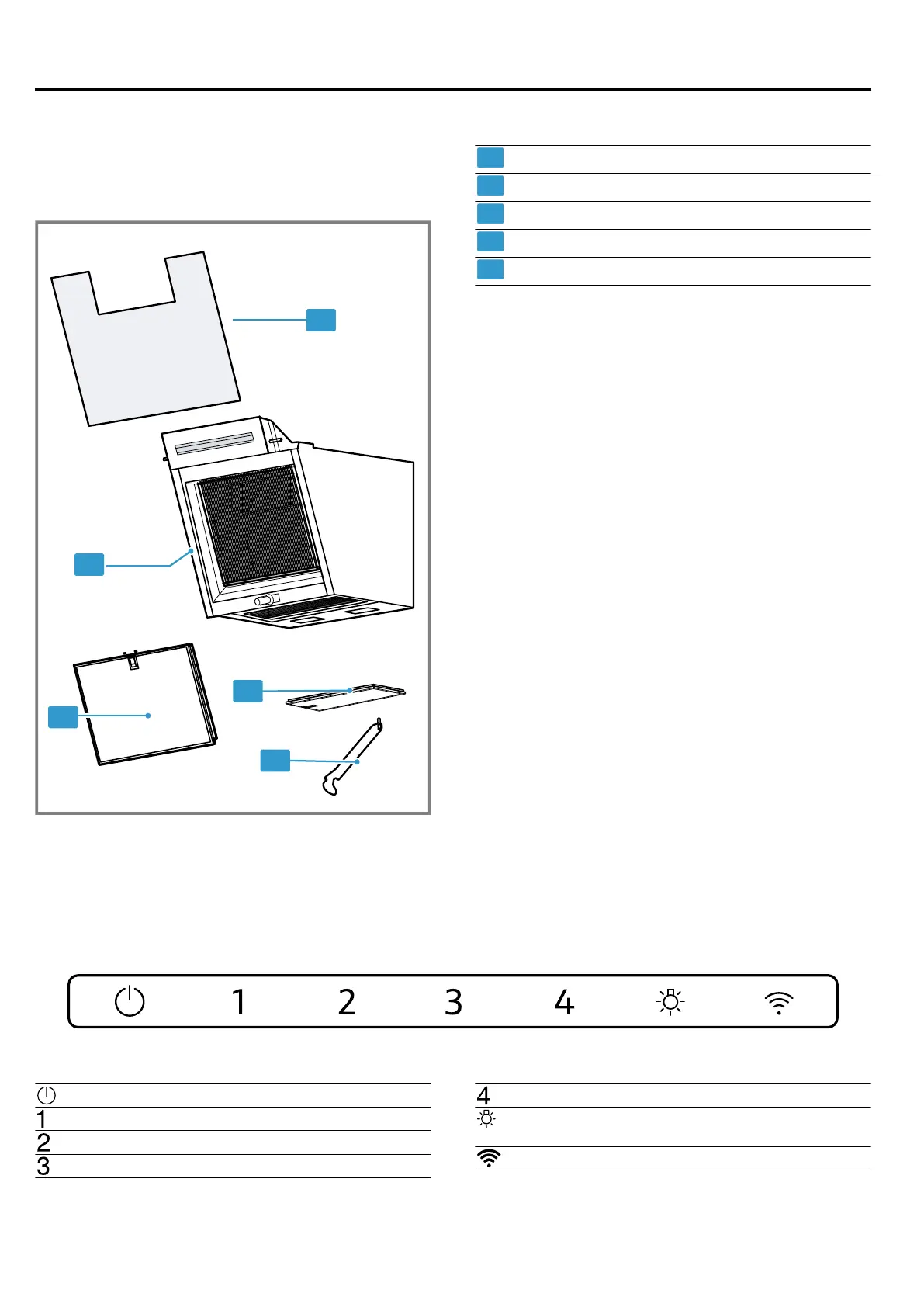
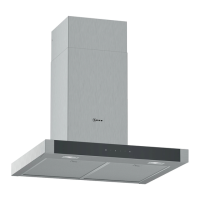
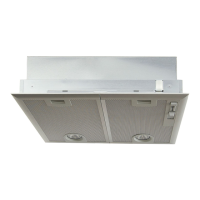
5.1 Overall view
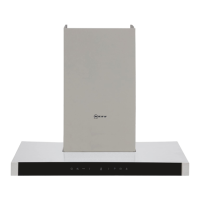
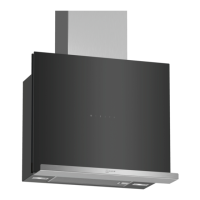
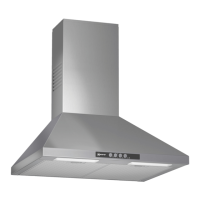
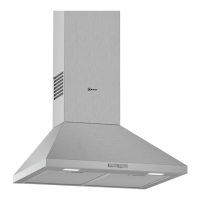
You can find an overview of the parts of your appliance
here.
Glass panel
Appliance
Front grease filter
Lower grease filter
Glass support
5.2 Control panel
You can use the control panel to configure all functions of your appliance and to obtain information about the operat-
ing status.
Switching the appliance on or off
Switching on fan setting1
Switching on fan setting2
Switching on fan setting3
Switching on intensive mode
Switching the lighting on or off
Setting the brightness
HomeConnect



 To Next Page