INSTALLATION INSTRUCTIONS
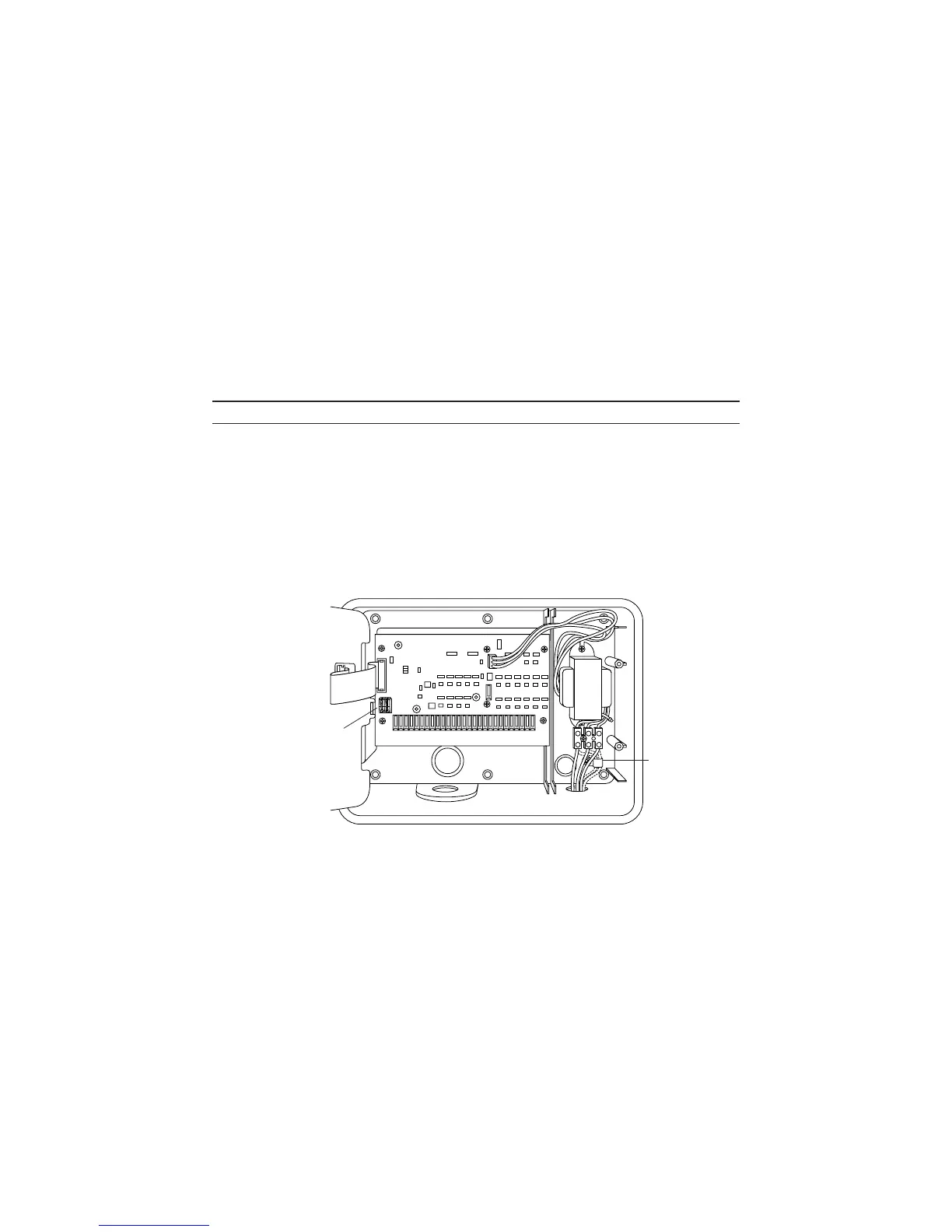
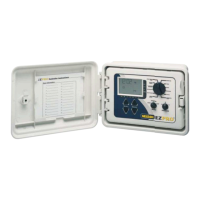
For models 8674, 8676, 8678, 8682, 8686, 8690, 8694 (see figure 2)
Remove the transformer cover by loosening the two screws. Route AC wires to connector
provided. Cut and trim wires to install in chassis mount connector. Tighten the screws. (For
Australia an extra clamp has been provided.) Observe proper polarity of wires as you install
them (ie. L1, L2 and ground). The transformer is now wired. Replace the transformer cover
and the two screws. DO NOT turn on power yet.
NOTE: Failure to ground unit properly may cause severe damage to the controller
and/or personal property and will void warranty.
Figure 2
6
For
Australia
Sensor
Port


 To Next Page