6
[ Operation ]
1. Power On and Off.
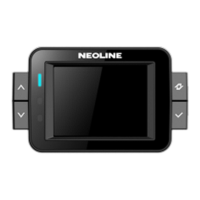
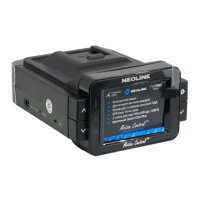
1.1. When you start an engine at the condition of the power cord is connected, X-COP 8700 will be power
on and start the self-test and then become a Stand-by mode.
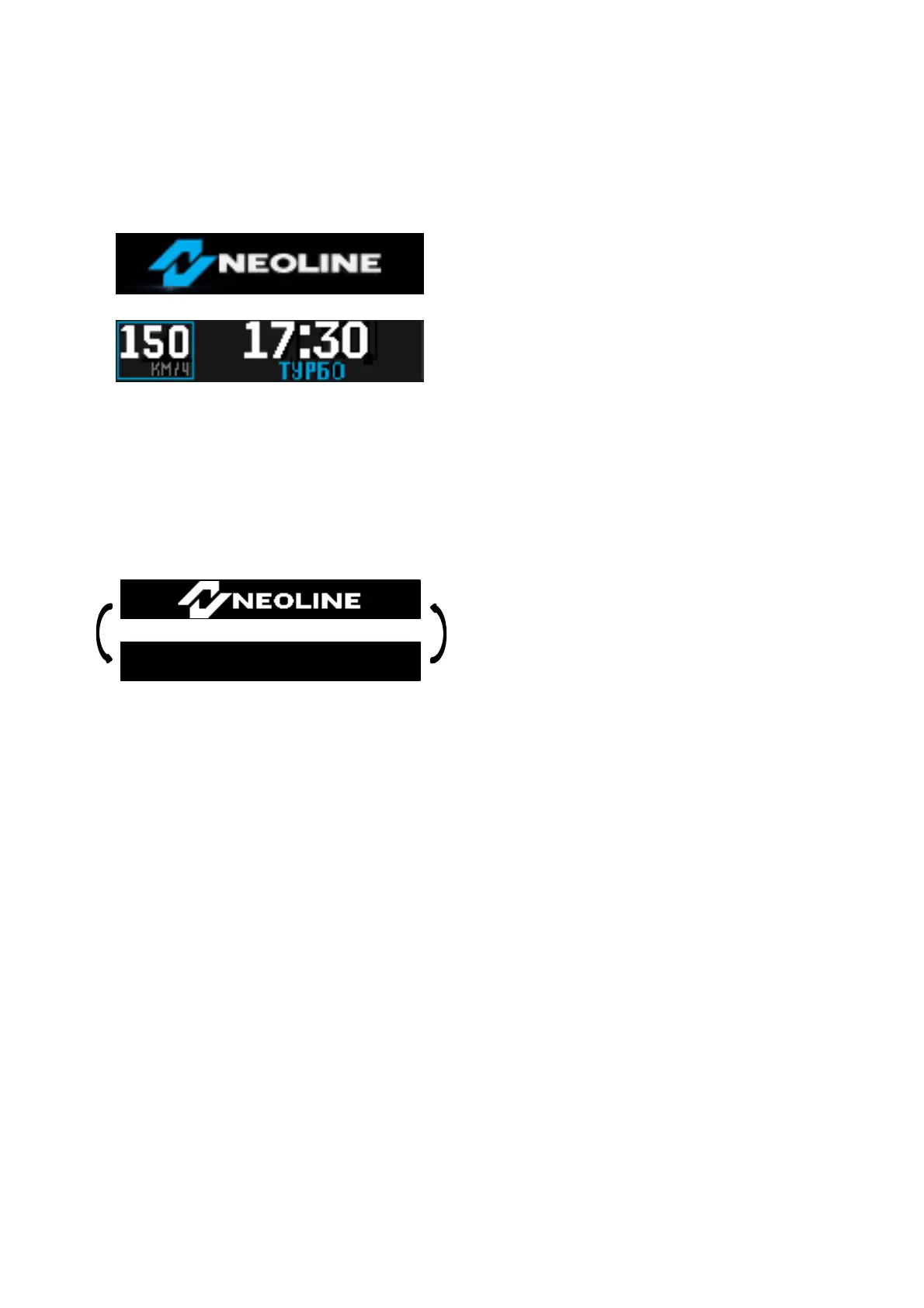
(Logo Animation Display for 2 seconds)
(Stand-by display)
Current car speed and time are showing on the display.
1.2. To p o w e r of f X-COP 8700, turn off a car engine or press PWR/MENU button for two seconds.
1.3. When you power off by pressing PWR/MENU button, 3-beeps will be announced and display will show
LOGO and blinking.
2. BUTTON operation
2.1. Left Button
2.1.1. Short Press : enter into SET mode.
Or Power On operation at Power Off condition.
Or Change the setting order at Setting mode.
2.1.2. Long Press : Power Off operation.
Or save the setting value at Setting mode, and then go back to Stand-by mode
2.2. DOWN/UP Button
2.2.1. Normal operation : VOLUME Level change (0 ~ 8 level)


 To Next Page