8
2.3.2. Long Press : User location addition/deletion
2.3.2.1. User location addition
- Press the button during normal mode, the user point will be added
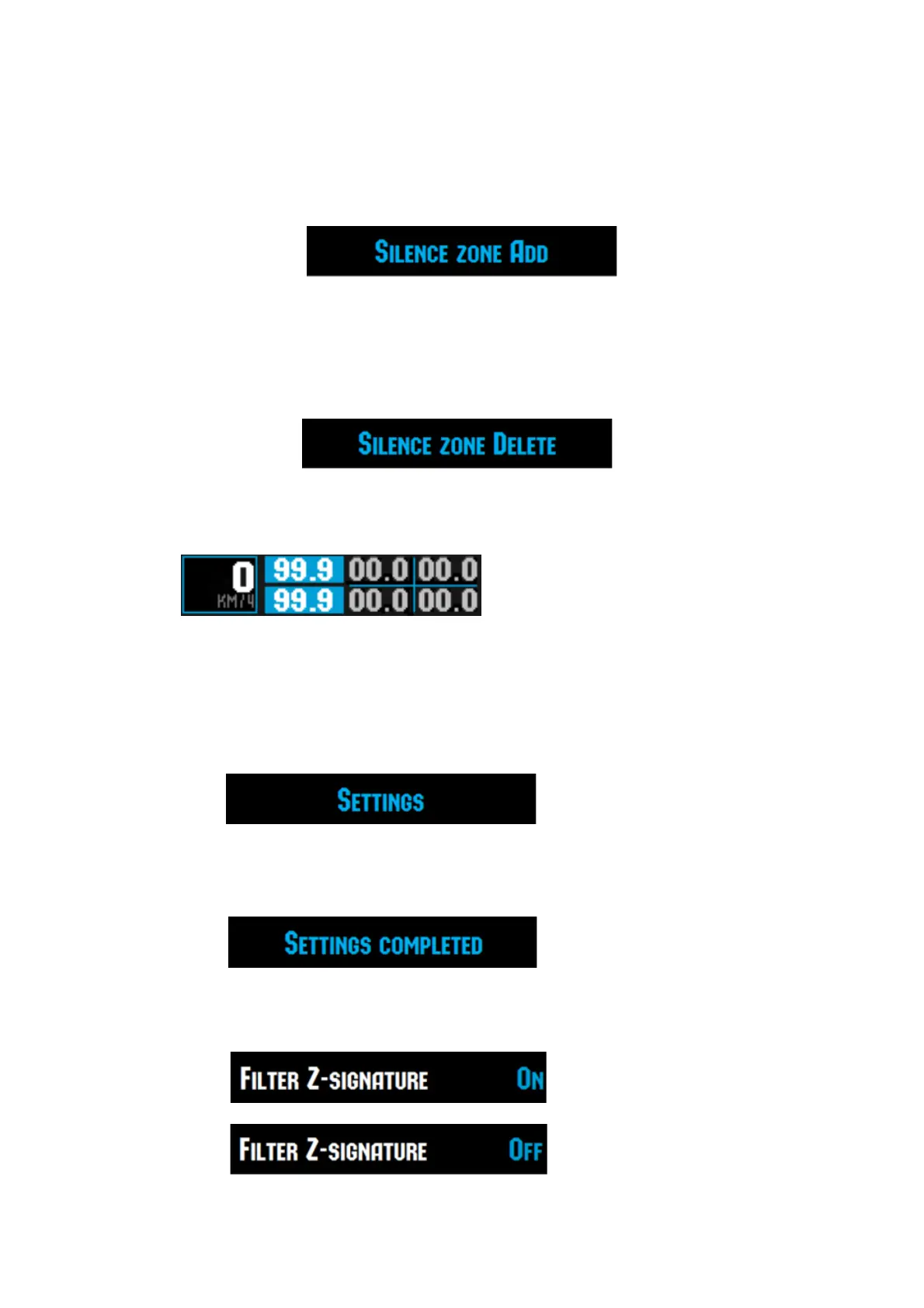
- “User area is added” will be announced and display text message.
2.3.2.2. User location deletion
- Press the button during User area alerting, the user point will be deleted
- “User area is deleted” will be announced and display text message
2.4. Left + Right Button
Go into X-LOGIC Mode
3. SET mode
3.1. How to enter into the SET mode : Press Left Button.
Voice will be heard like “Settings” and display will be shown like below.
3.2. How to get out of SET mode
Press SET/MUTE button or leave for 5 seconds without touching any button.
3.3. Whenever press PWR/MENU Button, the SET mode will be changed with the following order.
3.3.1. Filter Z-signature ON/OFF (change by DOWN/UP)
(Filter Z-signature ON)


 To Next Page