IJ40-0006-71/B
4127759Y/C
01/02/2006
71Memory functions
14. MEMORY FUNCTIONS
Frequently used print combinations may be pre-programmed as a
memory function, five preset memory slots are available for
selection.
14.1 Saving a Memory Function
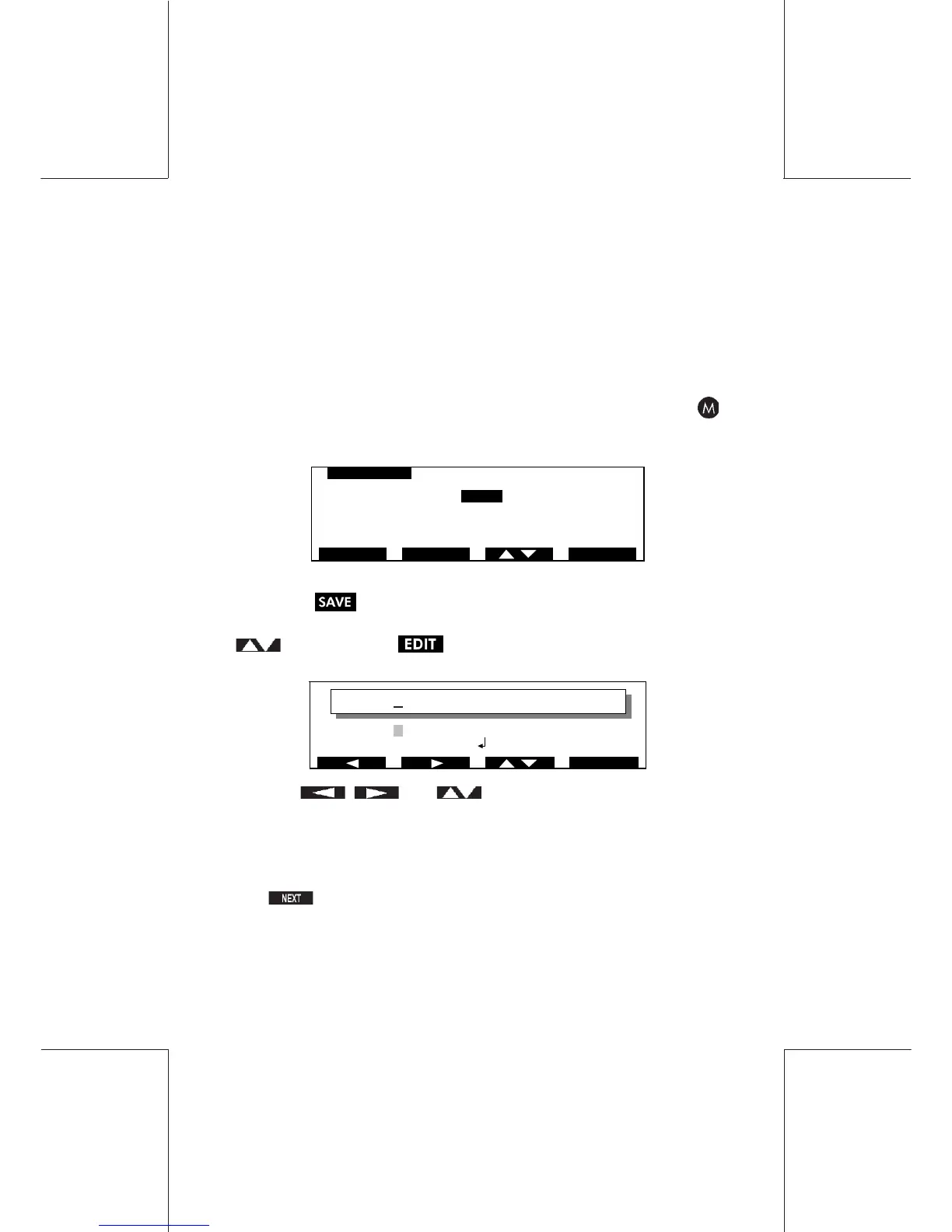
Setup your preferred print combination, then press and hold the
key for approximately 5 seconds until the following screen is
observed:
Select the Job Memory in which you wish to save your programme
and press to confirm.
If you wish to rename a memory location highlight it using the
key then press the following screen will be observed:
Use the , and keys to move the cursor to the
character to be defined.
These keys can be held for fast scrolling.
The key is used to confirm selection and move the cursor to
the next character.


 To Next Page