1
Please nd attached your PPI USB key, please use the
following instructions to install your PPI onto your mailing
machine.
Ensure the machine is awake by checking the sleep/reset
key
is showing green.
1. From the “HOME SCREEN” press the “MENU” key.
2. Select the “SUPERVISOR” option from the list.
3. Enter the “SUPERVISOR PIN” (meter specic) and press
”OK”.
4. From the SUPERVISOR menu select ”OPTIONS &
UPDATES”.
5. In the following screen select “PPI MANAGEMENT”.
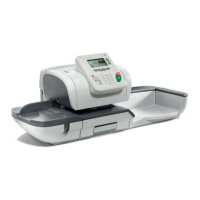
IS-5000
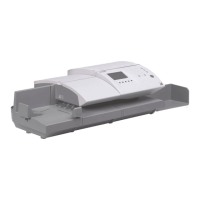
IS-5000 & IS-6000 PPI INSTALLATION
IS-6000
IS-5000
IS-6000



 To Next Page