Need help?
Do you have a question about the NEP BDM-300X2-240A-D and is the answer not in the manual?
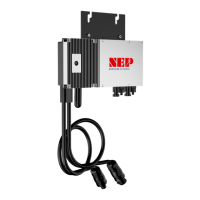
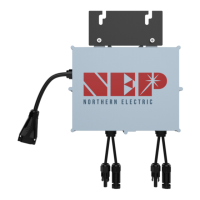
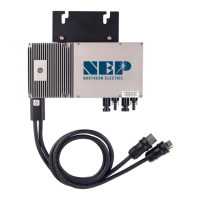
Introduces the BDM-300X2 micro inverter and the grid-tied PV system concept.
Guidance on how to read and use the manual for installation and operation.
Explains the information and safety symbols found on the inverter's label.
Lists components included in the BDM-300X2 installation kit and other necessary parts and tools.
Discusses lightning surge protection and best practices for solar installations.
Outlines the key steps involved in installing the BDM-300X2 micro inverter system.
Details on installing the junction box and checking AC service voltage ranges.
Instructions for mounting the micro inverter onto the PV racking system, including spacing requirements.
Guidance on connecting the AC wiring harnesses of the BDM-300X2 units using trunk cables.
Procedures for grounding the BDM-300X2 system, including optional racking ground.
Steps for creating the connection map and connecting the PV modules to the inverters.
Step-by-step guide to commission the BDM-300X2 PV system after installation is complete.
Explains LED status lights for standby, producing power, and grounding faults.
Details on LED indications for communicating with the BDG-256 gateway.
General advice and warnings for troubleshooting and maintaining the BDM-300X2 micro inverter.
Explains error codes and LED flashing patterns for diagnosing faults.
Step-by-step guide to diagnose and resolve issues with an inoperable BDM-300X2.
Procedures for safely disconnecting and replacing BDM-300X2 units.
Detailed technical specifications for various BDM-300X2 models.
Details on warranty coverage, claims, exclusions, and service.

 To Next Page
 General