5 Operating Instructions
5-6
5.3
Saving, Copying and Recalling the Program
Saving the program
The values displayed in the Set Parameters frame in the Poring Pulse window and the Transfer Pulse
window are saved automatically on the current program number by pressing the Enter button.
*How to view the current program number.
1
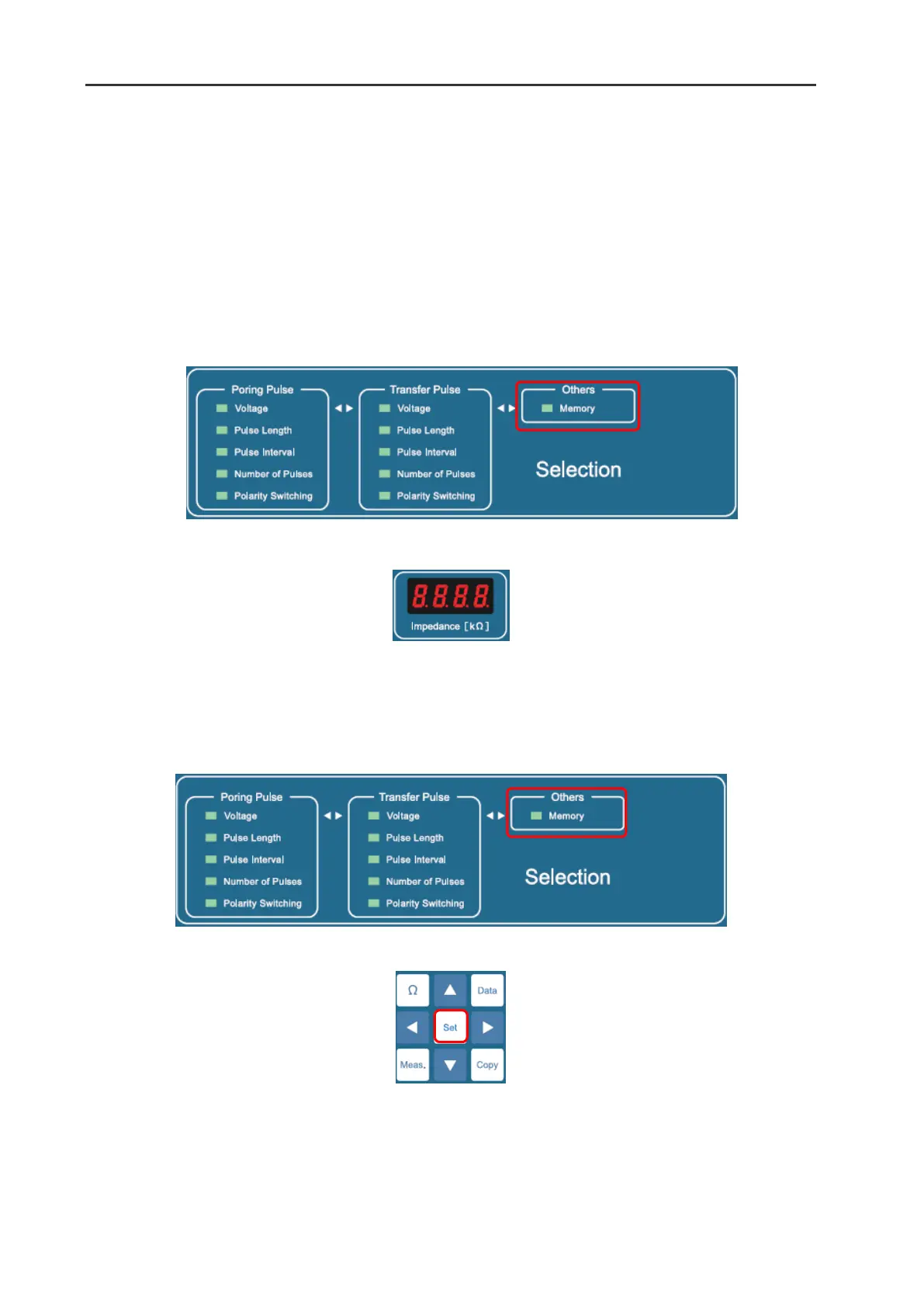
Select the Memory option from within the Others frame in the Selection window by pressing
◄
▴
▾
▸
buttons.
2
Then the number of the current program will be displayed in the Impedance window as “Ch.XX”.
Copying the program
The values of the parameters in the Set Parameters frame in the Poring Pulse window and the Transfer
Pulse window can be copied to another program number (1-99).
1
Select the Memory option in the Others frame in the Selection window by pressing
◄
▴
▾
▸
buttons.
2
Press the Set button.


 To Next Page