5 Operating Instructions
5-11
8
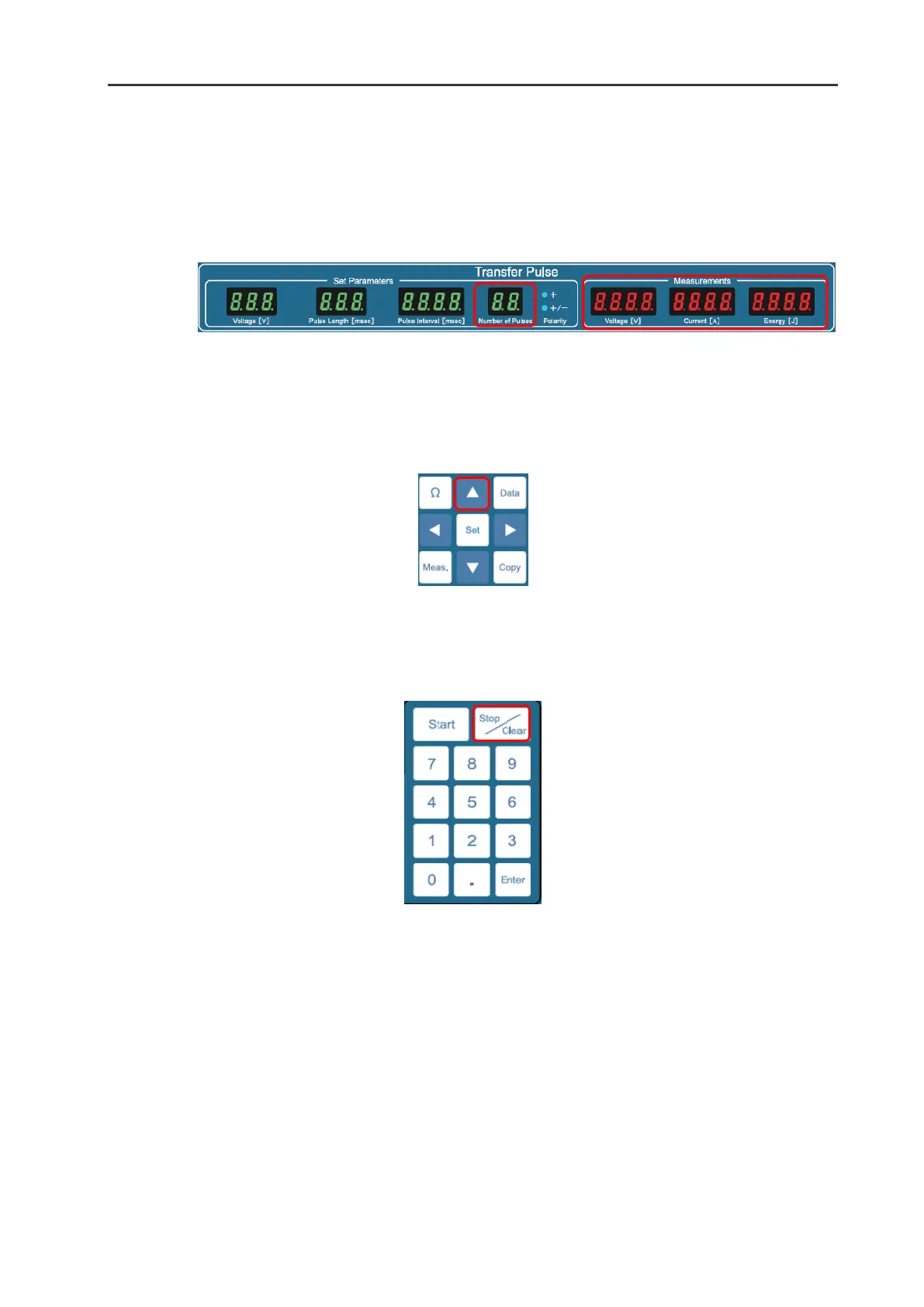
The values in the Measurements frame in the Transfer Pulse window will blink. The blinking values
show the measured parameters of the first output Transfer Pulse. At the same time, “1” indicating the
first pulse will be displayed on Number of Pulses option in the Set Parameter frame in the Transfer
Pulse window.
9
The steps to be followed are the same as those detailed above for displaying the Poring Pulse
measured output. See the step 3-6.
10
To change the display from Transfer Pulse to Poring Pulse, press
▴
button.
11
To finish the display, press the Stop/Clear button


 To Next Page