3 Driver Installation
Install the software driver program according to the following steps before application.
Note: Do not connect the camera and computer USB port before installing the driver to
the computer to prevent driver installation error.
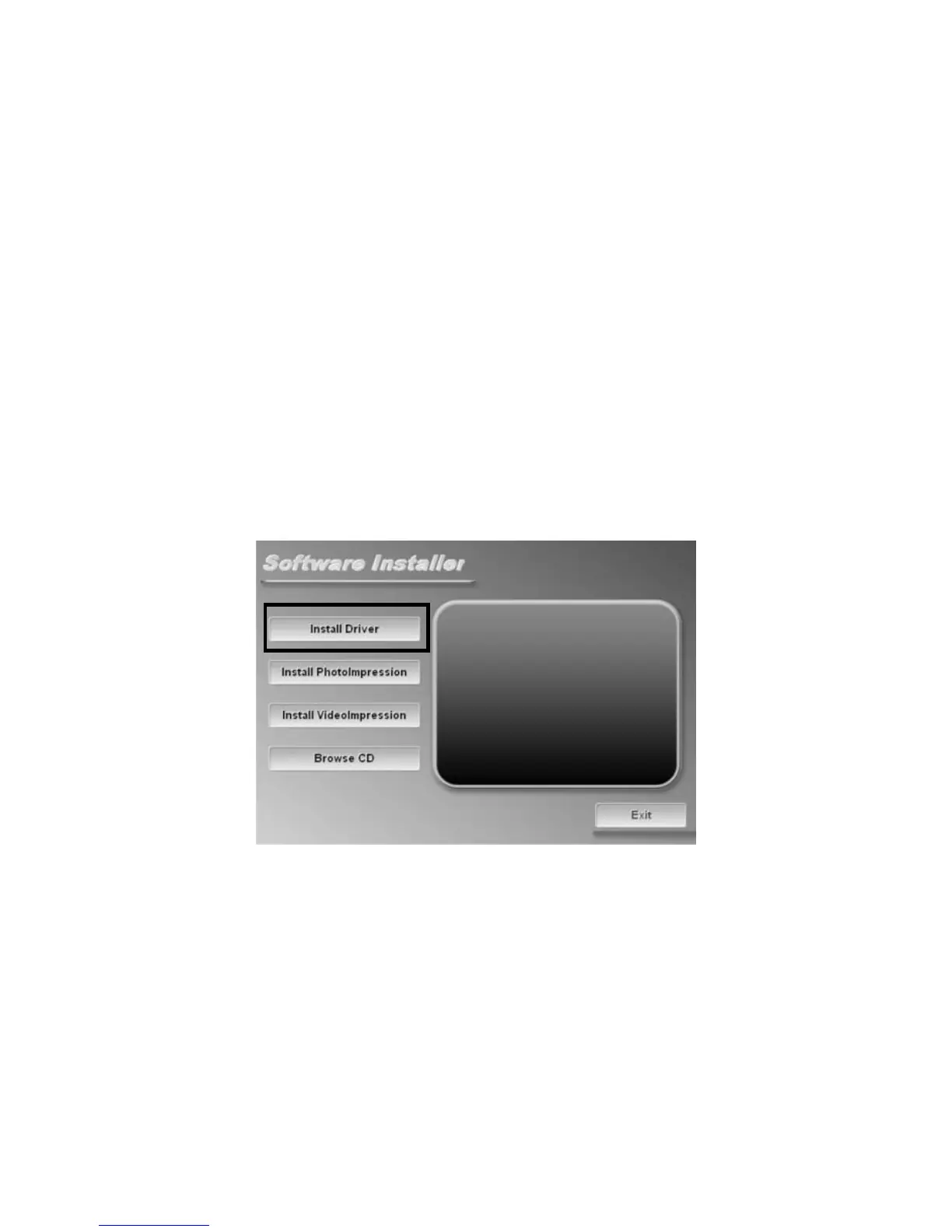
◎ Software installation interface
1. Insert the installation CD;
2. The system will run the installation program in CD automatically, and the
screen will present the following window as shown below:


 To Next Page