(If your optical driver has no auto execution or close auto execution function,
please directly click and run autorun.exe program located at the CD root
directory.)
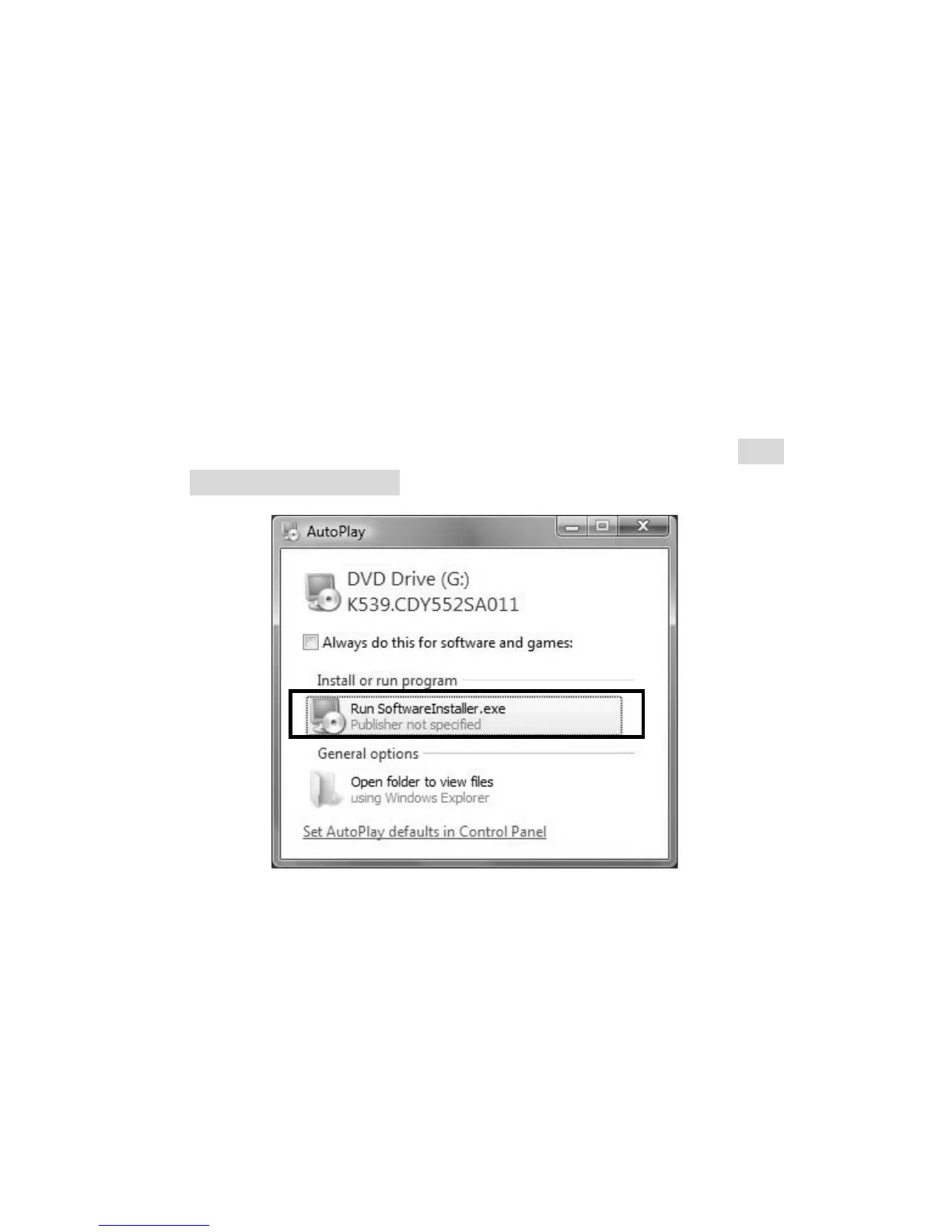
For Windows Vista, the following window will pop up when the system
automatically executes the installer in the CD. Please click Run
SoftwareInstaller.exe to continue.


 To Next Page