DRX 3200 / 3210 PROFESSIONAL SATELLITE RECEIVER
6
CHANGING PID VALUES
If you want to set or change PID values manually, use PID menu.
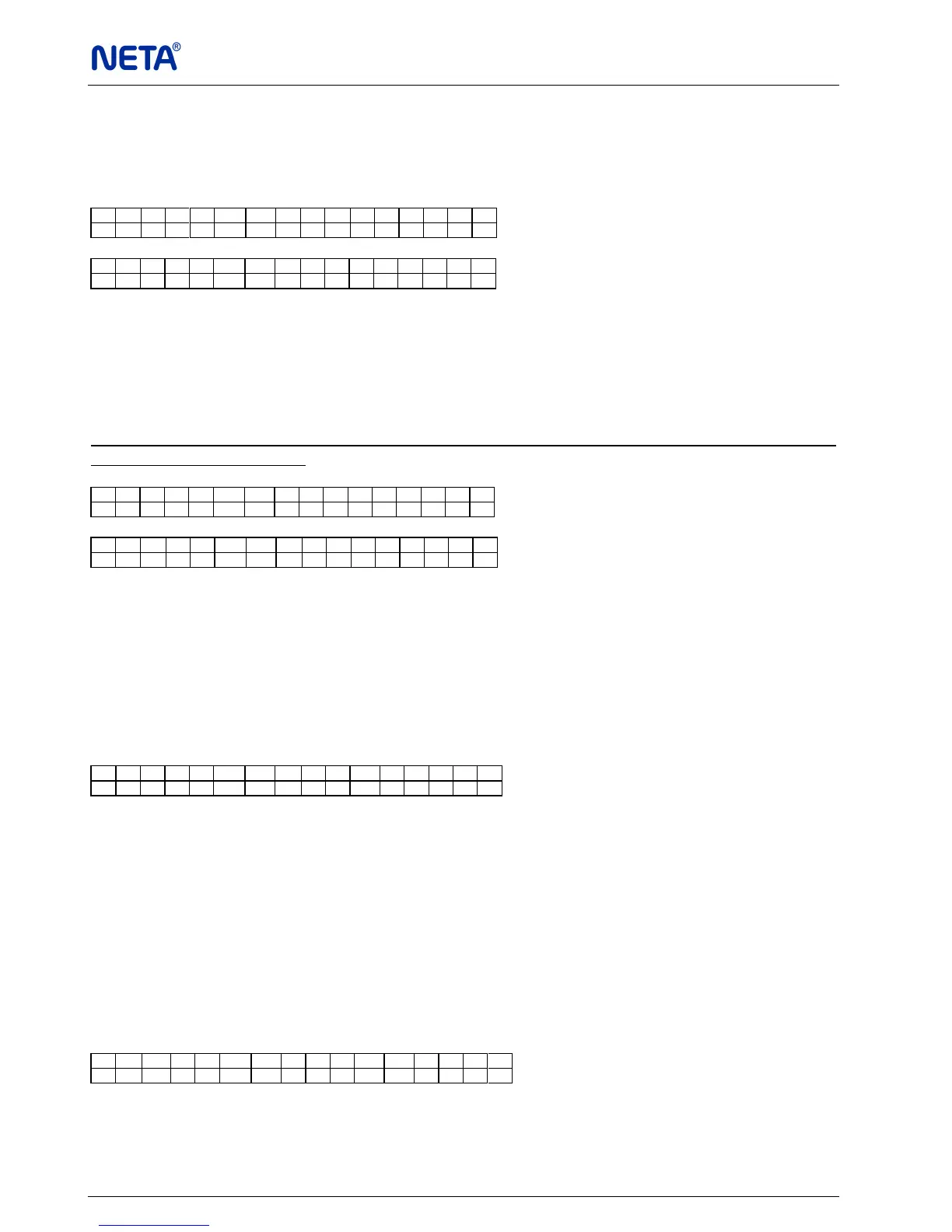
Video PID, Audio PID, Pcr PID and Txt PID
* V i d e o P I D 5 0 0
A u d i o P I D 5 0 1
* P c r P I D 5 0 0
T x t P I D 5 0 2
SEARCHING TRANSPONDER
TP Search
After setting Frequency, Polarity and S. Rate, you can search the transponder. That way you
can find all channels coming from that transponder. Move the cursor to TP Search menu and
press “OK” button. “Please wait” message will be displayed. All available channels from the
current transponder will be found and listed on the display.
TP Search does not function if the receiver is not locked to a transponder frequency. Please
observe yellow (Lock) LED.
P l e a s e w a i t . . .
* E u r o n e w s
S A T 1 A
Select the required channel by using “▲”/“▼” buttons, confirm and store by pressing “MENU”
button.
SEARCHING AUDIO TRACKS
Audio Tracks
If the audio is multilingual, you can select the audio language. Select Audio Tracks menu,
“Please wait” message will be displayed. After that, the existing audio languages are listed with
leading numbers.
P l e a s e w a i t . . .
BISS SETUP (OPTIONAL)
Mode
This mode requires the direct entry of a session word (SW) at receiver side. To control access
the scrambled transmission, you can choose one of the following modes in BISS Setup
submenu.
* Mode 0: No decoding.
* Mode 1: Decoding by a fixed 12 character SW is inserted in the de-scrambler. Manual
entry of the SW shall be in hexadecimal notation with the digits entered most-
significant nibble first.
* Mode E: (Optional) Inject ID and ESW inputs are made in this mode.
* M o d e M o d e - 1
S W S e t u p


 To Next Page