DRX 3200 / 3210 PROFESSIONAL SATELLITE RECEIVER
3
FIRST INSTALLATION
After you make all connections, plug in the receiver to the mains outlet. DRX starts
automatically. Following screen will appear on the LCD.
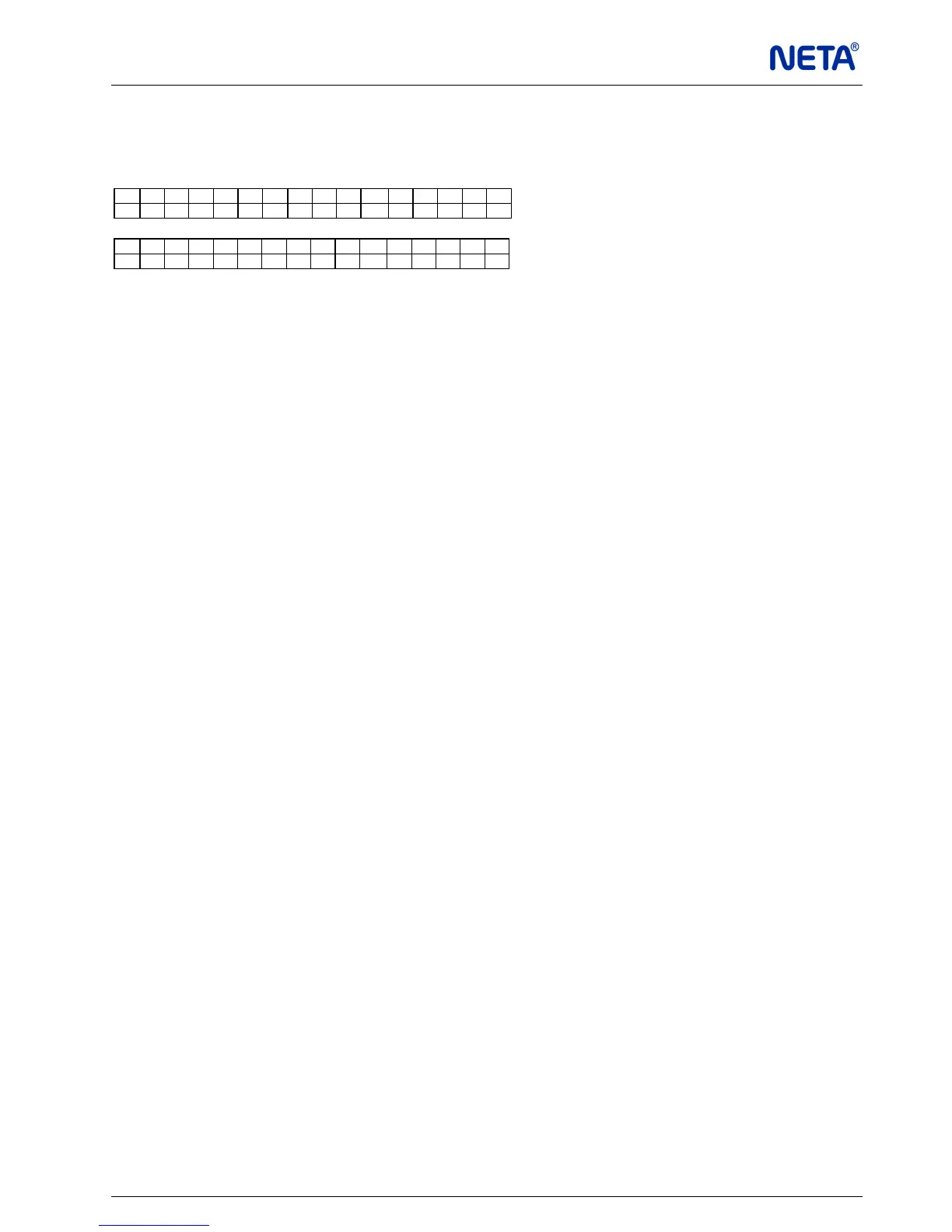
C h a n n e l n a m e
S + V + A + 1 . 6 E - 3
C h a n n e l n a m e
■ ■ ■ ■ ■ ■ ■ ■ ■ ■ ■ ■ □ □ □ □
First line is the channel name.
S+: Signal exists
S-: Signal does not exist
V+: Video exists
V-: Video does not exist
A+: Audio exists
A-: Audio does not exist
BER: Bit Error Rate is displayed as xE-y. It means that bit error rate is x10
-y
.
There are two different display modes.
In one mode you can monitor channel name, signal, video, audio, and the BER value, in the
other mode you can monitor channel name and the signal strength. You can switch between
the modes by using “OK” button.
KEYPAD LOCK / UNLOCK
5 minutes after, the unit is powered on, or none of the front panel buttons is pressed after
unlock, the unit goes into button-lock mode. To unlock, press “OK” button once and press
“MENU” button three times within short intervals. “OK” - “MENU” - “MENU” - “MENU”
QUICK SETTING
If you are using your device for the first time, please follow these short instructions below.
1 Select Installation submenu. Select LNB type. The options are Universal, Standard and C-
Band.
Check local oscillator frequencies. They can be changed manually. Set 22KHz to Auto for
Universal LNB. Select DiSEqC position ( A, B, C or D ) if the unit has to be operated in an IF
distribution system.
2 Select Parameters submenu. Set Program settings. Freq. (Frequency), Polarity and S.Rate
(symbol rate). Observe the yellow LED if it lights. Glowing LED shows that the signal is
present.
3 Select PID’s or search transponder (select TP Search submenu, press “OK” button).
4 Select the program from the list. Press “MENU” button until the start-up page appears. This
operation stores all the changes.
MENU ORGANISATION
Parameters
♦ Chn Channel name: Use “OK” and “◄”/“►” buttons for manual
editing. It is also made automatically after TP Search.
♦ Freq. Reception frequency in MHz. Original satellite transmit
frequency.
♦ Polarity Vertical or Horizontal
♦ S.Rate Symbol Rate


 To Next Page