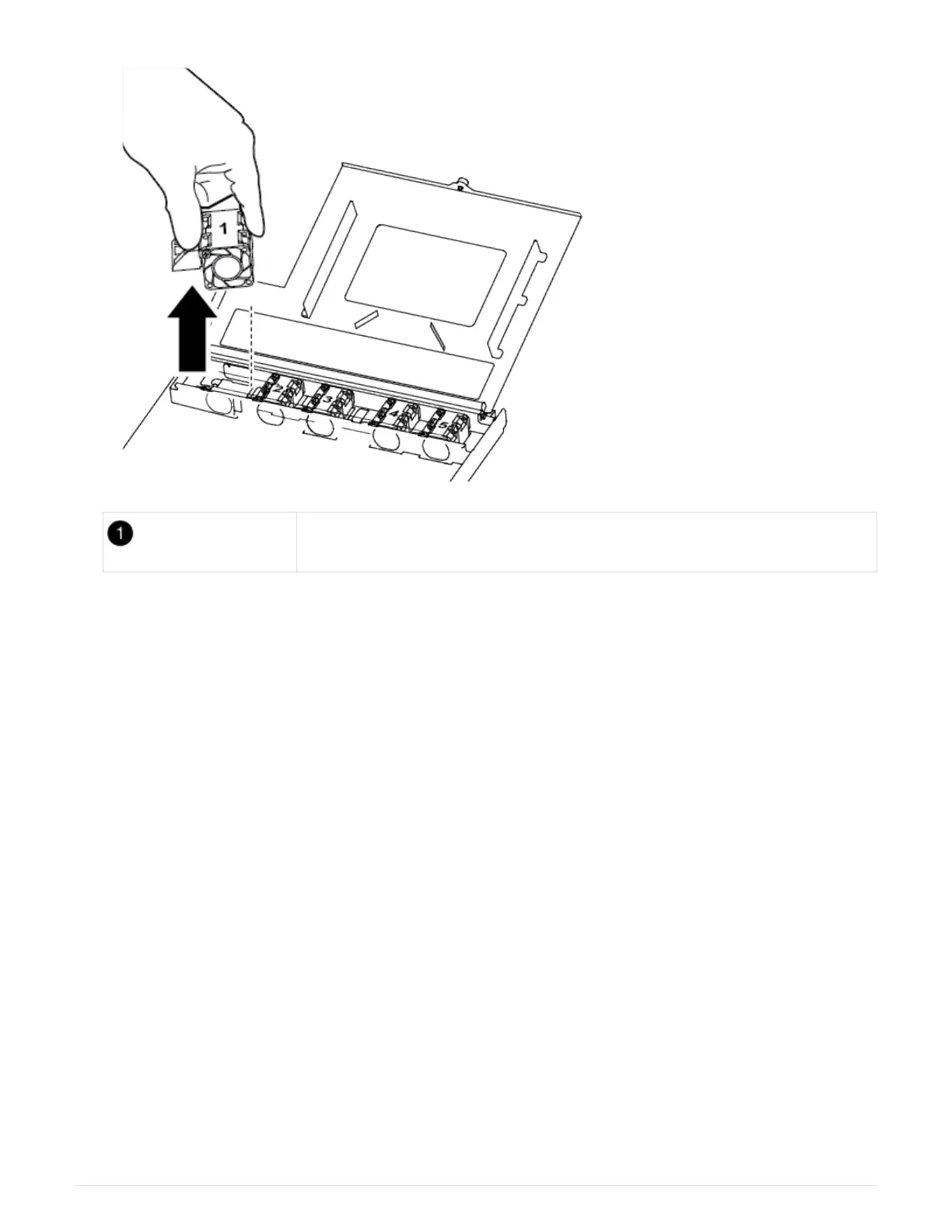
Fan module
2. Move the fan module to the replacement controller module, and align the edges of the fan module with the
opening in the controller module, and then slide the fan module in.
3. Repeat these steps for the remaining fan modules.
Step 4: Move the boot media
There is one boot media device in the AFF A250 under the air duct in the controller
module. You must move it from the impaired controller module to the replacement
controller module.
You need a #1 magnetic Phillips head screw driver to remove the screw that holds the boot media in-place.
Due to the space constraints within the controller module, you should also have a magnet to transfer the screw
on to so that you do not lose it.
1. Locate and move the boot media from the impaired controller module to the replacement controller module.
42












 To Next Page