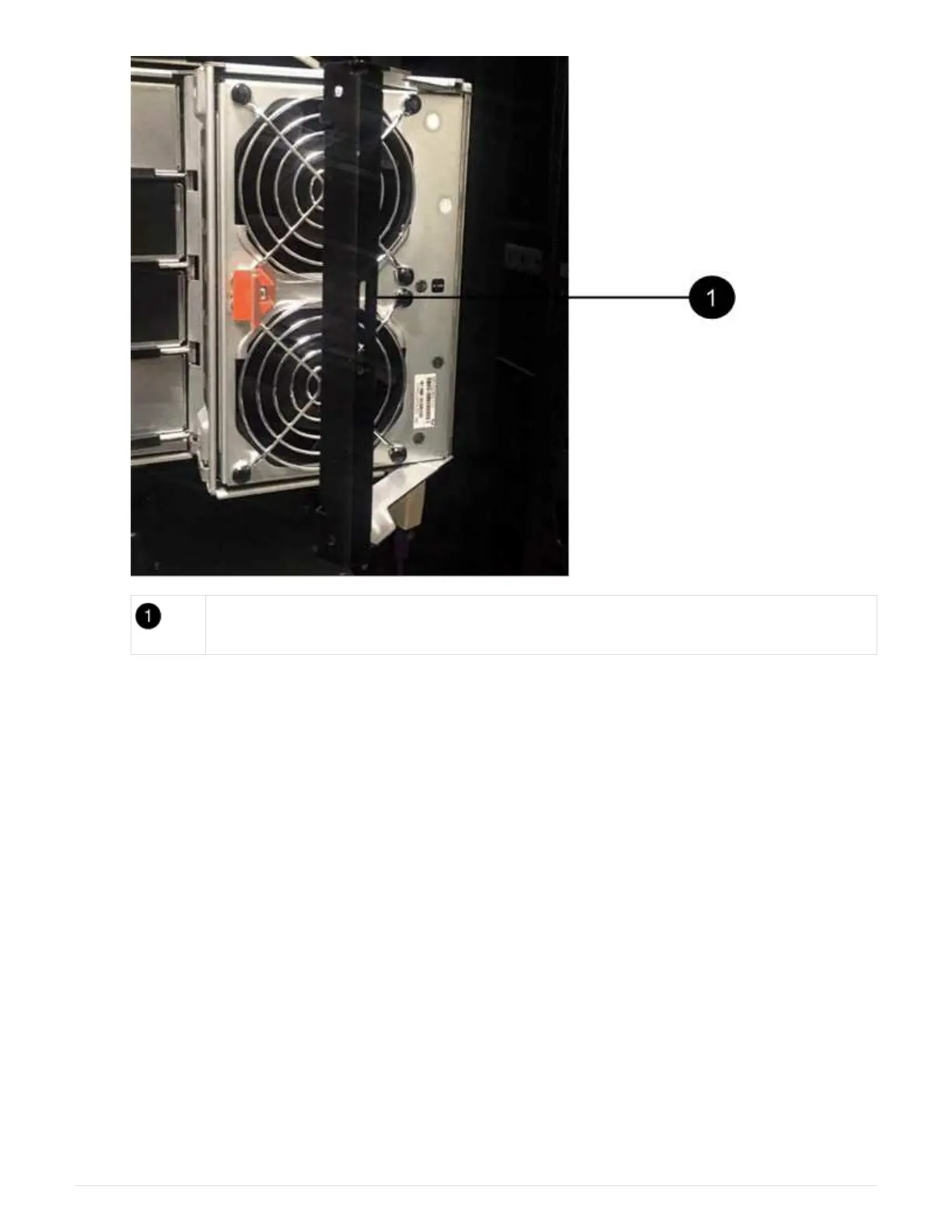
Fan module handle
b. Using the handle, pull the fan module out of the drive shelf, and set it aside.
3. Manually determine which of the five cable chains to disconnect.
The figure shows the right side of the drive shelf with the fan module removed. With the fan module
removed, you can see the five cable chains and the vertical and horizontal connectors for each drawer.
The callouts for drive drawer 1 are provided.
15



 To Next Page