7
15 Remove all of the drives from the drive drawer. To remove a drive:
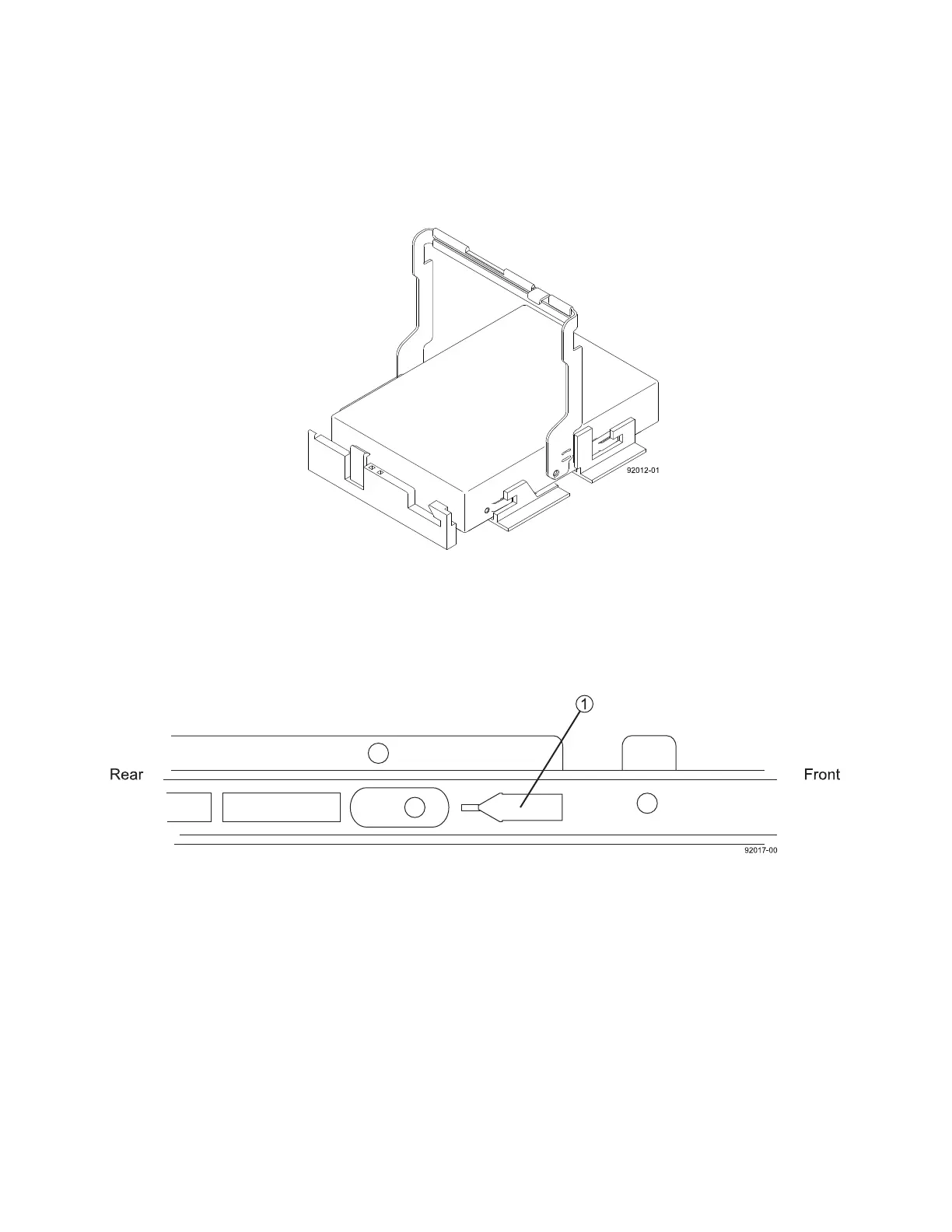
a Raise the drive handle to the vertical position (Figure 7).
Figure 7 Raised Drive Handle
b Lift the drive from the drive drawer using the handle, and put the drive on a flat, static-free
surface.
16 Slide the drive drawer release lever (Figure 8) on both sides of the drive drawer toward you, and
remove the drive drawer from the chassis.
Figure 8 Drive Drawer Release Lever on the Side of the Drive Drawer
1 Drive Drawer Release Lever (a Piece of Plastic Located Inside the Drive Drawer Guides)



 To Next Page