2) Download the installer exe le.
3) Run the installer and follow the instructions.
When you congure WELCOME with a computer, WELCOME is not connected to
the power adapter. It is only connected to the computer using the provided USB cable
(USB to micro-USB). No additional cable is needed.
7 Powering
7.1 Powering
The camera is powered by a micro-USB (5V, 2A) power adapter. You must use the one
provided with WELCOME.
WELCOME does not work when plugged directly on an USB port (except for setup
with a computer).
Using a tiers power adapter may damage WELCOME.
8 Welcome is warm
8.1 Welcome is warm
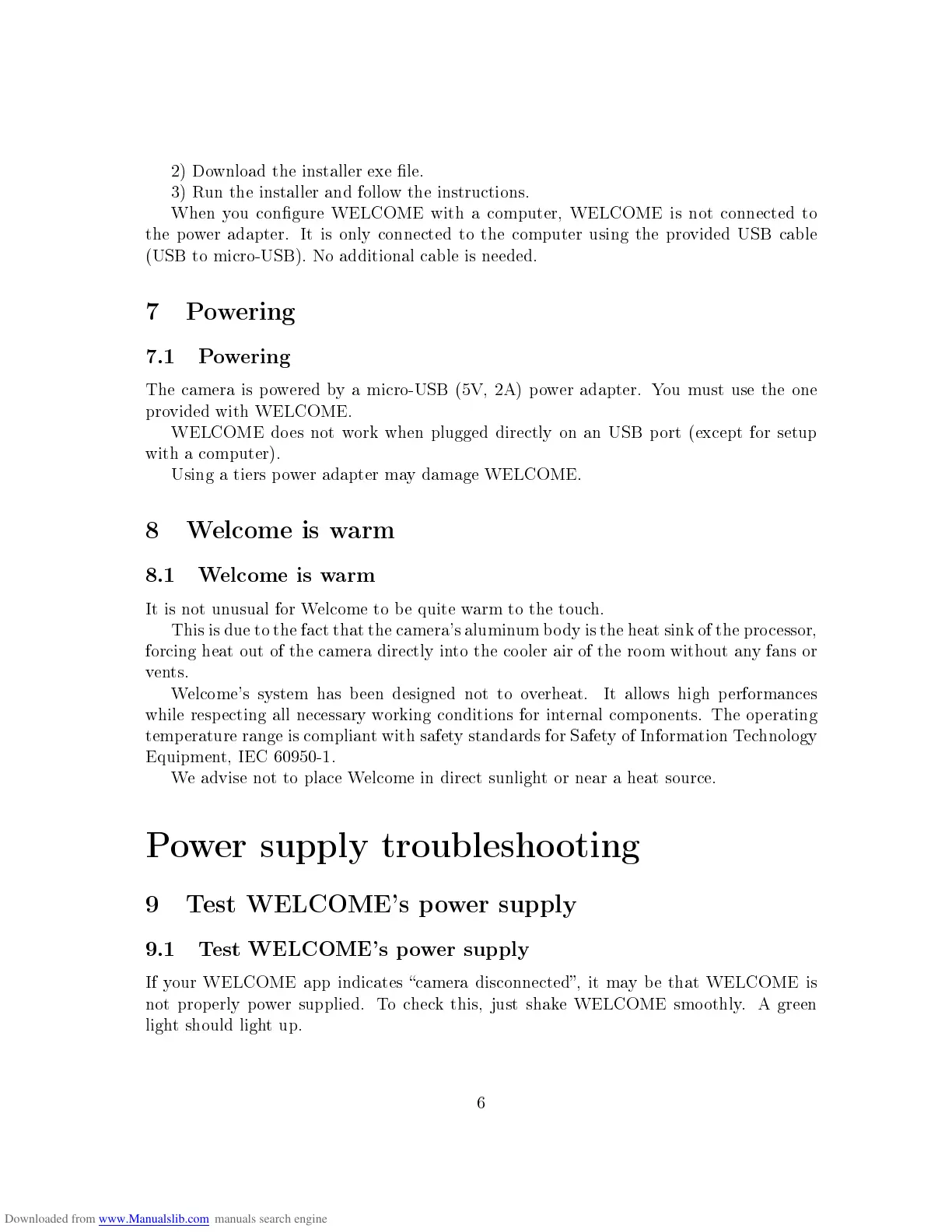
It is not unusual for Welcome to be quite warm to the touch.
This is due to the fact that the camera's aluminum body is the heat sink of the processor,
forcing heat out of the camera directly into the cooler air of the room without any fans or
vents.
Welcome's system has been designed not to overheat. It allows high performances
while respecting all necessary working conditions for internal components. The operating
temperature range is compliant with safety standards for Safety of Information Technology
Equipment, IEC 60950-1.
We advise not to place Welcome in direct sunlight or near a heat source.
Power supply troubleshooting
9 Test WELCOME's power supply
9.1 Test WELCOME's power supply
If your WELCOME app indicates camera disconnected, it may be that WELCOME is
not properly power supplied. To check this, just shake WELCOME smoothly. A green
light should light up.
6


 To Next Page