8
1. Open a web browser (such as Internet Explorer®, Mozilla Firefox® or
Google Chrome™), type https://192.168.20.1 into the address bar and
press Enter.
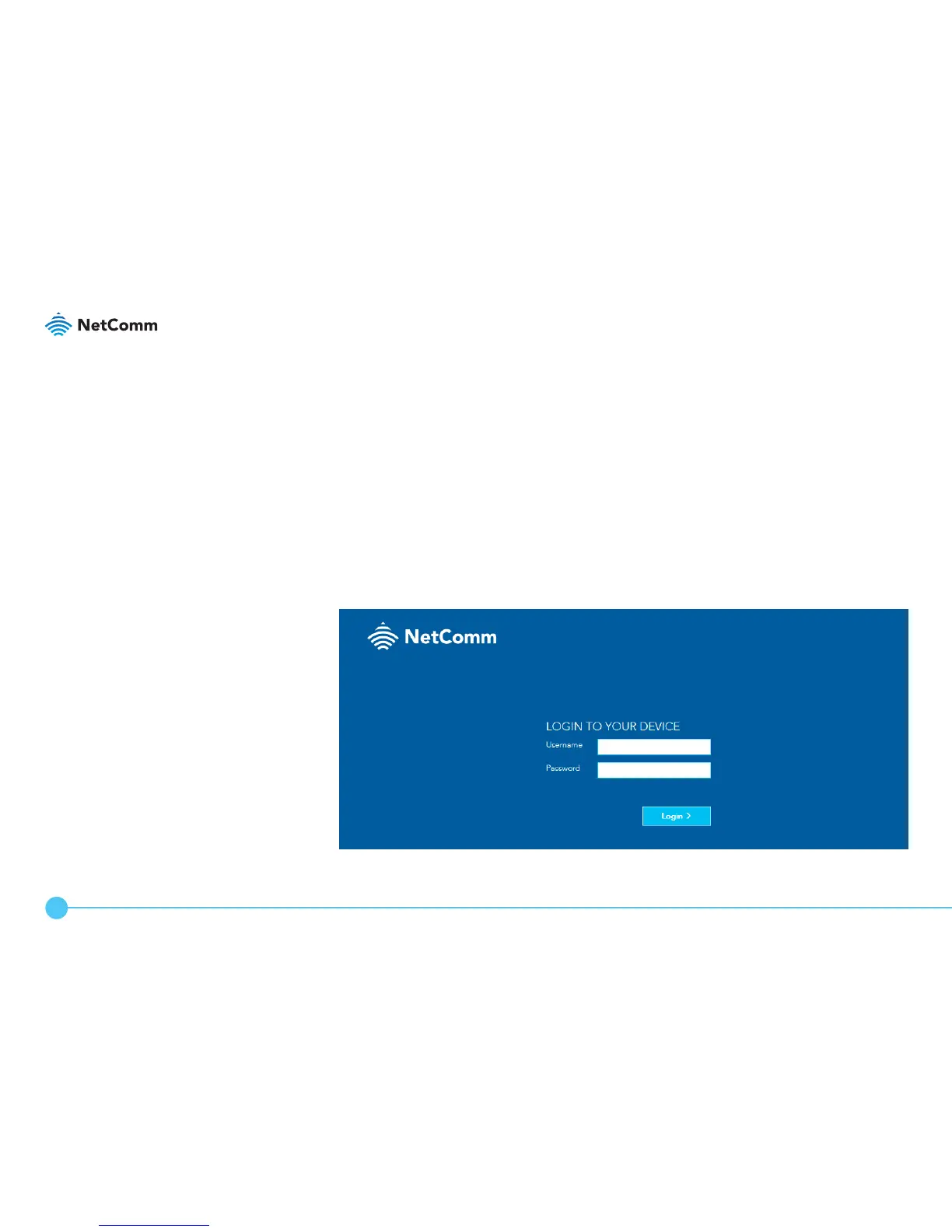
2. At the login screen, type admin into both the Username and
Password elds, then click the Login > button.
LOGGING IN
TO THE WEB
INTERFACE



 To Next Page