10
INTERNET
ADSL
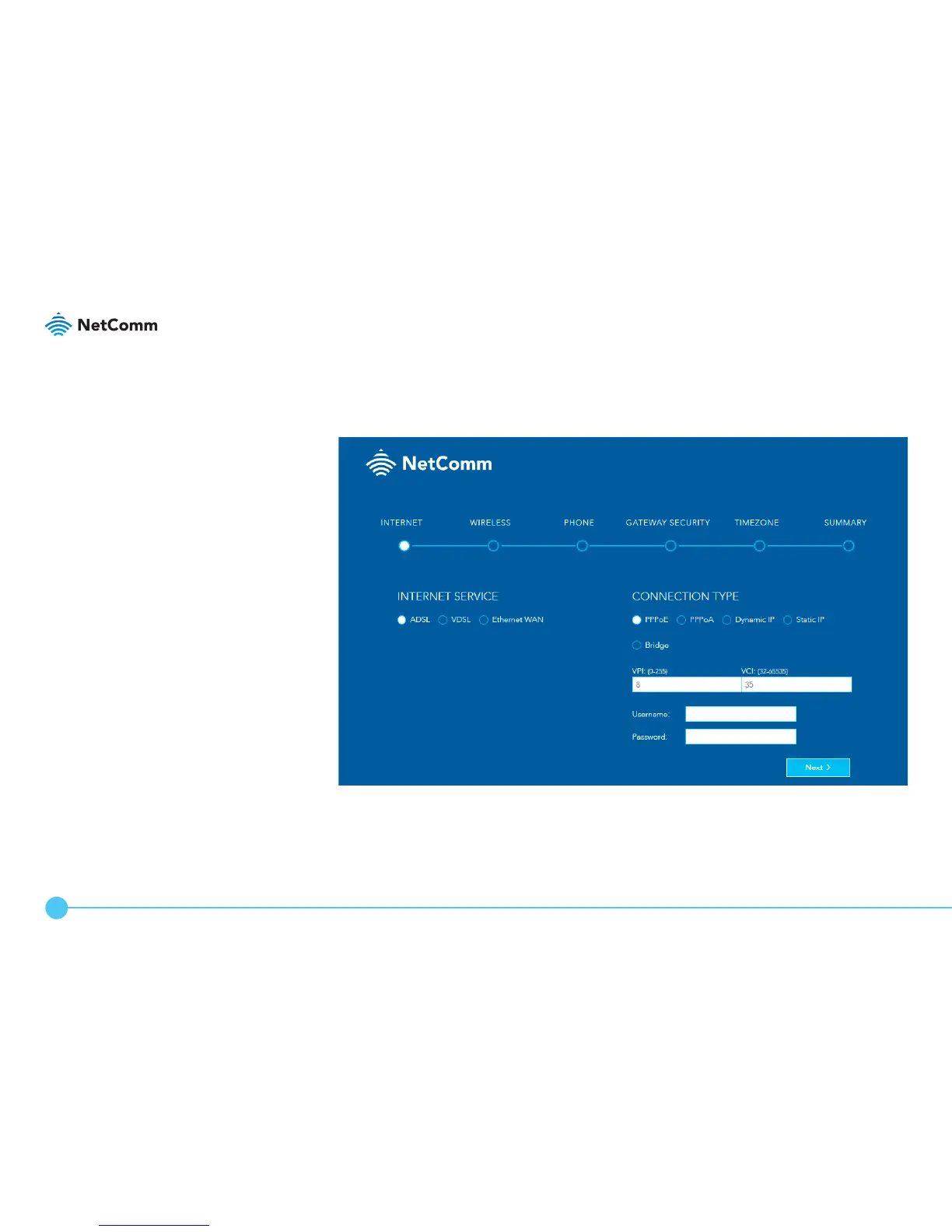
a. Under Internet Service, select ADSL.
b. Under Connection Type, select the type of connection your ISP has
congured for you, i.e. PPPoE, PPPoA, Dynamic IP, Static IP or Bridge.
c. Enter the required details under Connection Type on the right.



 To Next Page